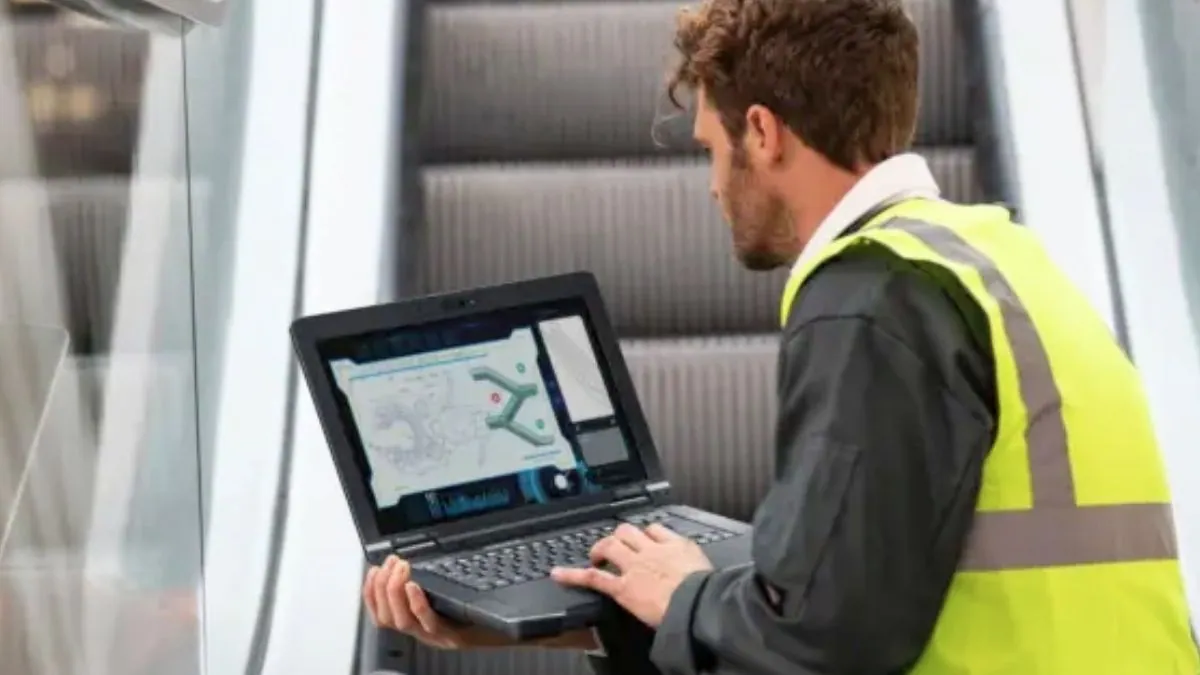
Panasonic has introduced the TOUGHBOOK 56, a new 14-inch rugged laptop designed for professionals working in demanding environments such as defense, utilities, telecom infrastructure, automotive diagnostics, and field service operations. The new model succeeds the TOUGHBOOK 55 and upgrades the platform with Intel Core Ultra processors, improved connectivity, and a redesigned chassis optimized for mobile field work.
The TOUGHBOOK 56 is available with Intel Core Ultra 5 235H or Core Ultra 7 265H processors with Intel vPro support. These processors include Intel’s AI Boost neural processing unit, allowing local AI workloads such as field diagnostics, analytics, and image processing to run directly on the device without relying on cloud connectivity.
The system supports up to 64GB of DDR5 memory and up to 2TB NVMe SSD storage, depending on configuration. Panasonic also offers an optional AMD Radeon Pro W7500M GPU with 8GB GDDR6 for workloads such as CAD, simulation, and 3D mapping used in engineering and industrial environments.
Rugged Design and Ergonomic Improvements
The TOUGHBOOK 56 continues Panasonic’s rugged laptop design with a reinforced magnesium alloy chassis that meets MIL-STD-810H durability standards and carries an IP53 rating for dust and water resistance. The laptop is rated to survive drops of approximately 3 ft (91 cm) during operation.
Panasonic has redesigned the chassis to improve mobility for field technicians. The device features a textured retractable handle with a wider grip, making it easier to carry between job sites. A latch-free hinge allows the laptop to be opened with one hand, even while wearing gloves.
Despite the rugged construction, the laptop remains relatively portable for its class. The system weighs starting at about 4.4 lb (2.0 kg) and measures roughly 345 × 272 × 36.3 mm.
14-Inch Display With Outdoor Visibility
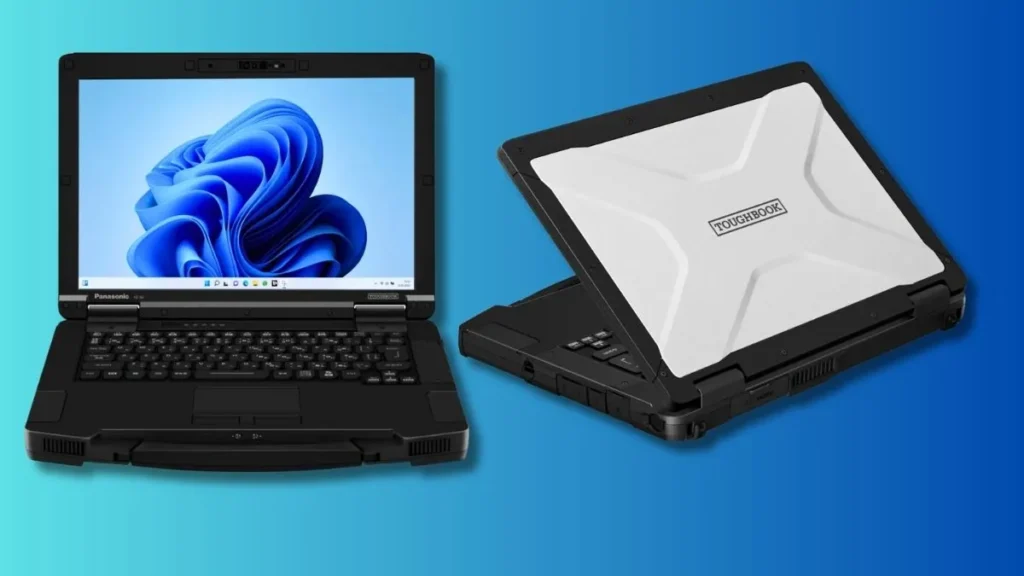
The TOUGHBOOK 56 features a 14-inch WUXGA display (1920 × 1200) with a 16:10 aspect ratio, offering more vertical screen space than the 16:9 panel used in the previous generation. The taller format helps improve visibility when working with documents, maps, or multiple application windows.
Panasonic offers two display options. The standard configuration includes a WUXGA panel with up to 350 nits of brightness, while an optional 10-point capacitive touchscreen reaches up to 1,000 nits, making it easier to view the screen in bright outdoor environments.
The touchscreen version also supports automatic input detection, allowing the display to recognize finger, glove, or stylus input without requiring users to manually change interaction modes.
Triple Ethernet Connectivity and Modular Expansion
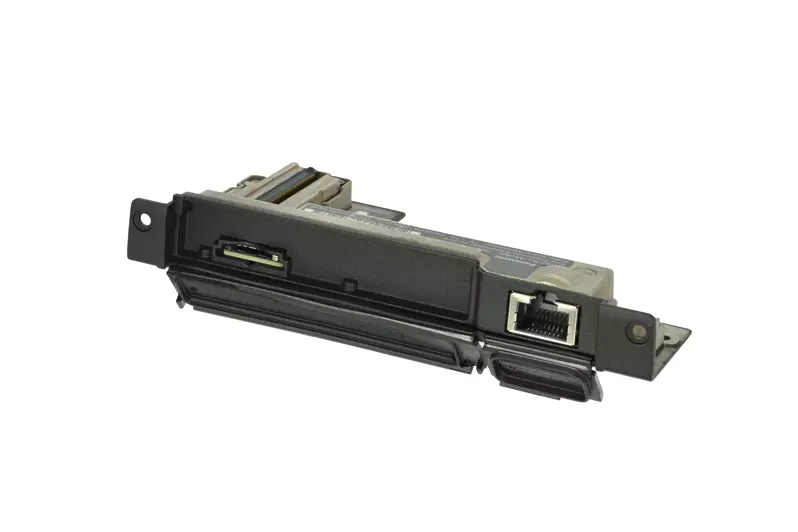
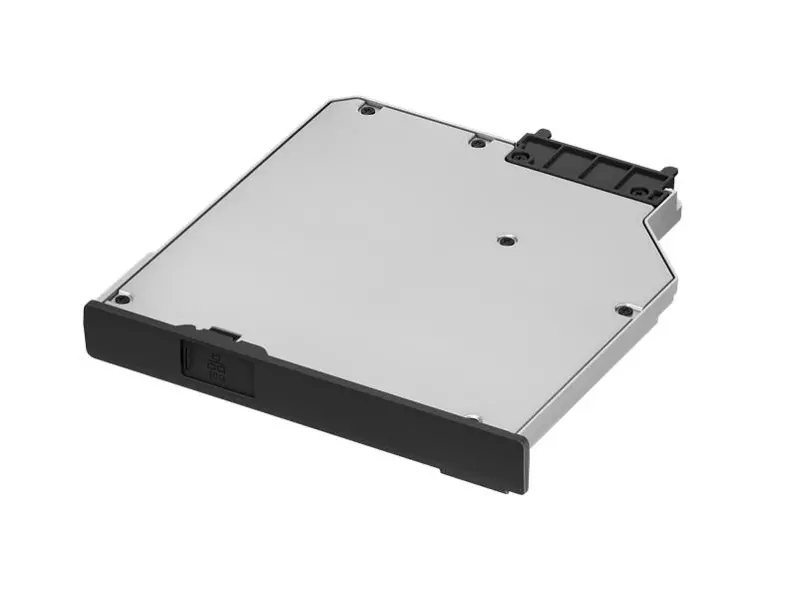
Connectivity is one of the most distinctive features of the TOUGHBOOK 56. The laptop can support up to three wired Ethernet connections simultaneously, allowing technicians to connect to multiple networks at once.
Available LAN configurations include:
- 1Gb Ethernet
- 2.5Gb Ethernet
- 10Gb Ethernet
Each interface operates independently, allowing engineers to connect simultaneously to corporate infrastructure, test equipment, and field network devices.
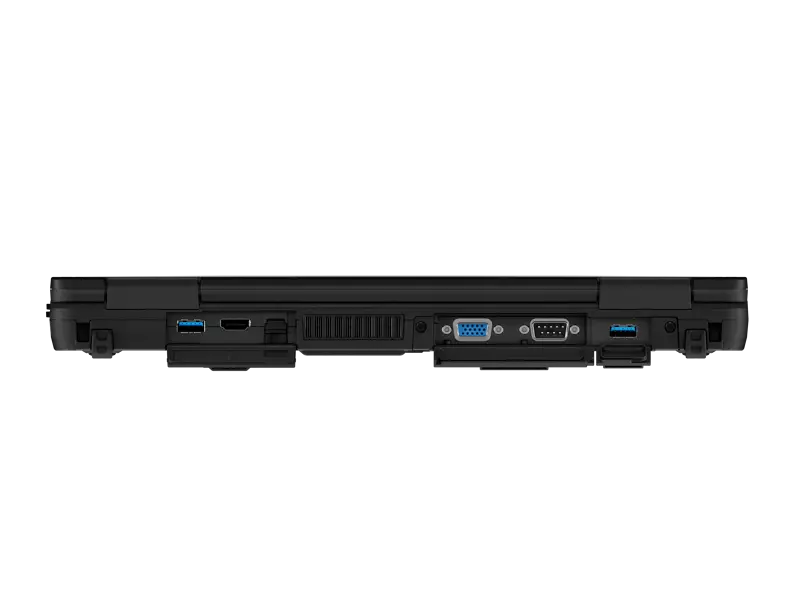
The laptop uses Panasonic’s modular architecture with three expansion areas (left, right, and rear). These slots support a wide range of optional modules, including additional LAN ports, extra SSD storage, smart-card readers, and legacy interfaces.
Some configurations also include RS-232 serial connectivity, which remains widely used in industrial machinery, automotive diagnostics, and telecom equipment.
Wireless connectivity includes:
- Wi-Fi 7
- Bluetooth 5.4
- Optional 4G or 5G cellular connectivity
- GNSS positioning supporting GPS, GLONASS, BeiDou, and Galileo.
Ports include Thunderbolt 4, USB-A, HDMI, and modular expansion interfaces.
Hot-Swappable Battery System
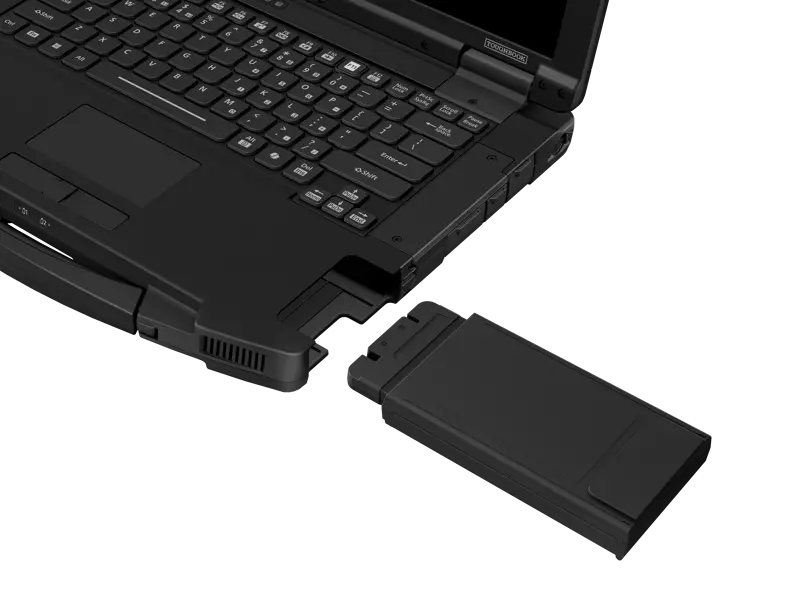
The TOUGHBOOK 56 supports a dual-battery setup with hot-swappable batteries, allowing one battery to be replaced while the laptop remains powered on. This feature is designed for field environments where shutting down a system during work is not practical.
Panasonic estimates up to 12 hours of battery life with a single battery and up to 24 hours when two batteries are installed. With the hot-swap capability, technicians can replace a depleted battery without interrupting active tasks, helping maintain continuous operation during long field assignments or extended work shifts.
Security and Enterprise Features
The laptop includes several enterprise-level security technologies designed for government and industrial deployments.
Security features include:
- TPM 2.0 security chip
- Windows Hello facial recognition
- Fingerprint authentication
- Smart-card reader support
- Microsoft Secured-core PC protection
The device runs Windows 11 Pro and is also certified for Red Hat Enterprise Linux 10, making it suitable for enterprise IT environments.
Availability
Panasonic plans to release the TOUGHBOOK 56 starting in May 2026. Pricing has not been announced yet because rugged laptops in this category are typically sold through enterprise configurations and service contracts.
The device competes with rugged laptops from Getac, Dell Rugged Latitude, and Durabook, which target similar industrial and field-service markets.
Also Read: Best Laptops for Civil Engineering Students
Panasonic TOUGHBOOK 56: Key Specifications
| Model | Panasonic TOUGHBOOK 56 |
|---|---|
| Display | 14-inch WUXGA (1920 × 1200), 1000-nit touchscreen |
| Processor | Intel Core Ultra 5 235H / Core Ultra 7 265H (vPro) |
| Graphics | Integrated Intel/AMD Radeon Pro W7500M |
| Memory | Up to 64GB DDR5 |
| Storage | Up to 2TB NVMe SSD |
| Connectivity | Wi-Fi 7, Bluetooth 5.4, 4G/5G |
| Ethernet | Up to three LAN ports (1Gb, 2.5Gb, 10Gb) |
| Ports | Thunderbolt 4, USB-A, HDMI, modular expansion |
| Battery Life | Up to 12 hours single battery / 24 hours dual battery |
| Durability | MIL-STD-810H, IP53 |
| Weight | 4.4 lb (2.0 kg) |
Sources: Panasonic Connect via Heise Online