
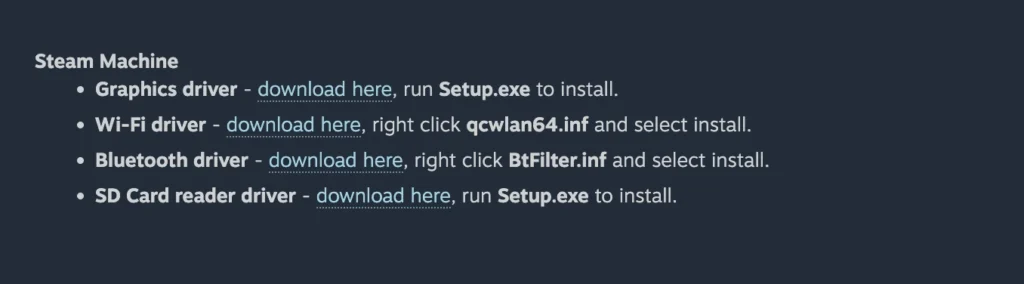
Valve now provides official Windows drivers for Steam Machine to its Steam Hardware Windows Resources page. Owners can now download the required drivers from a single place after installing Windows instead of searching for files from different hardware vendors. The download page provides graphics, Wi-Fi, Bluetooth, and SD card reader drivers.
Valve has posted installation instructions for every driver. The graphics and SD card reader packages install through Setup.exe. The Wi-Fi and Bluetooth drivers require users to install the INF files manually through Windows Device Manager or by right-clicking the file and selecting Install.
Steam Machine now has its own Windows driver page, separate from the existing Steam Deck LCD and Steam Deck OLED downloads. This keeps the driver files for each device in separate sections, making them easier to find.
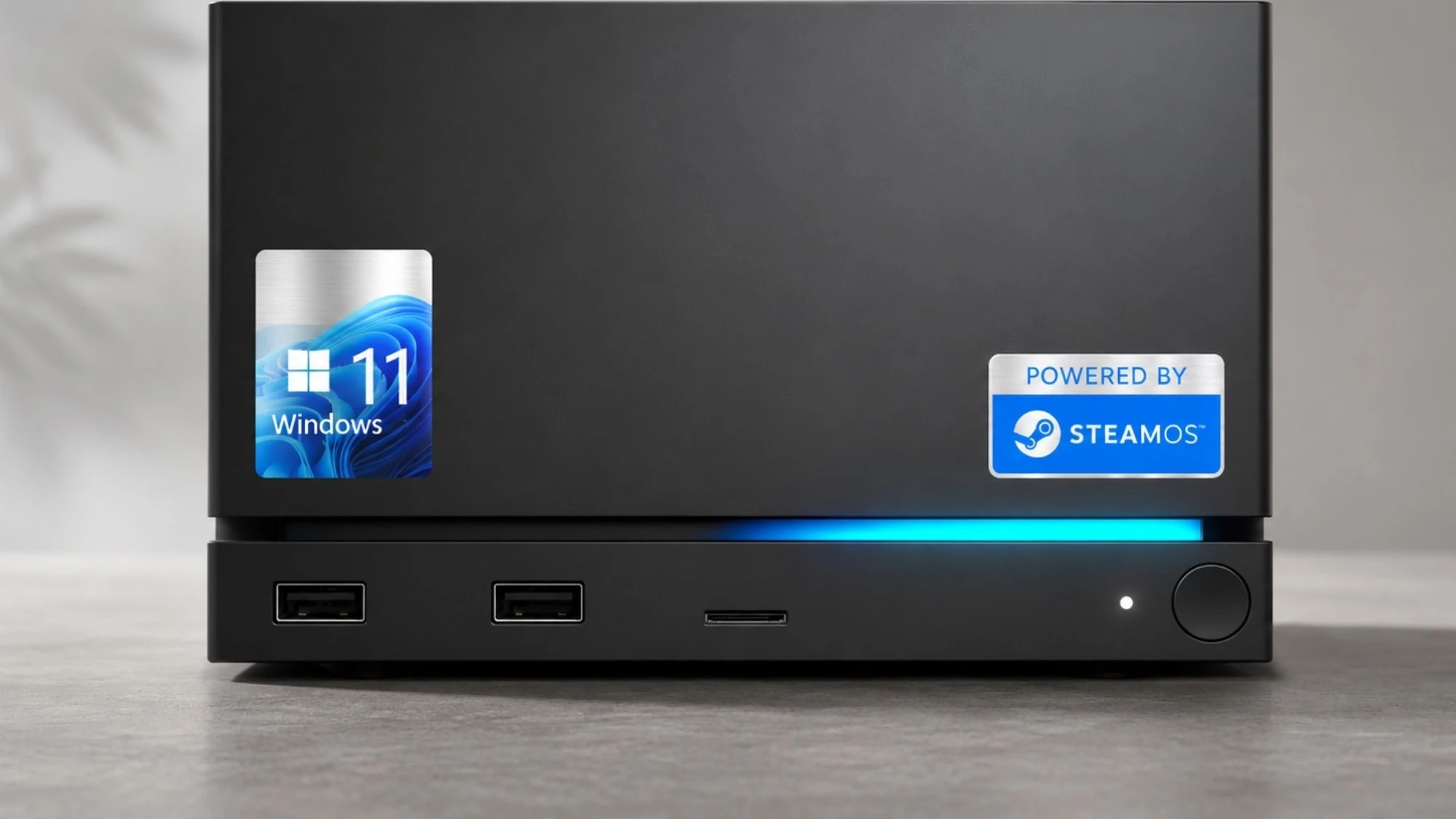
Valve describes Steam Machine as a PC, so owners can install another operating system if they want. SteamOS remains the default option, but Windows can now be installed with official drivers available from Valve.
There is still one restriction. Installing Windows removes SteamOS because official dual-boot support is not available yet. Valve states that the hardware supports dual-boot, but the SteamOS installer with a dual-boot option is still being developed for a future update.
Valve has shared a few setup steps for Windows installation. Users need to shut down the Steam Machine, press the Escape key repeatedly while turning it back on, and enter the boot menu. An Ethernet connection is required during Windows setup because the Wi-Fi driver is installed afterward. Internet access is needed to complete Windows setup, activate the operating system, download updates, and install the remaining drivers.
Valve does not provide technical support for Windows. The driver packages are offered “as is.” Anyone who wants to return to SteamOS can reinstall it by following Valve’s SteamOS recovery guide.
Also Read: Valve Reveals Steam Machine Pricing, Starts at $1,049
The new download page saves time by putting the required Windows drivers in one place. Users no longer need to search for graphics, networking, Bluetooth, and storage drivers from different websites after installing Windows.
SteamOS remains Valve’s recommended operating system, while Windows is available for users who prefer it. Dual-boot is still on the way, but the official driver downloads already make Windows installation much easier on Steam Machine.
Source: Valve