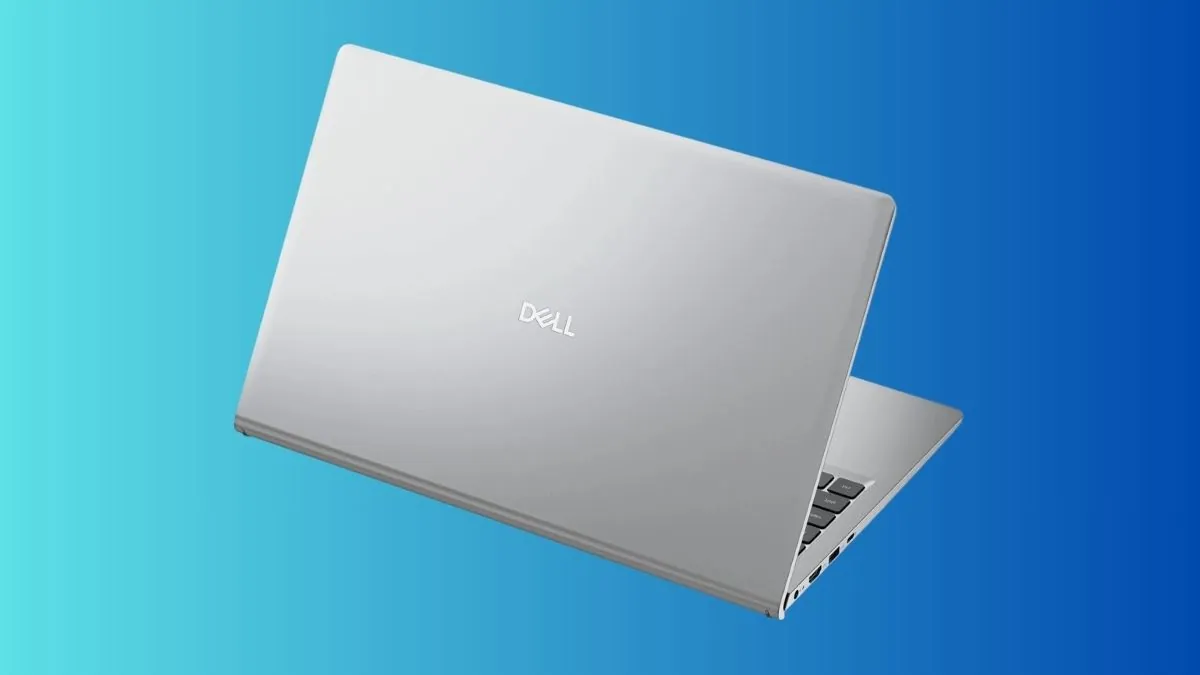
Dell has listed its new 2026 Dell 15 laptop on its official website on March 24. The laptop comes with Intel Core Ultra 200H processors, also known as Arrow Lake-H. The starting price is 6998.99 yuan, which is around 950 to 970 US dollars. This places the laptop in the mid-range category for everyday use.
This model is not a full redesign. Instead, Dell has updated the processor while keeping most of the other hardware similar to earlier versions. This shows a clear strategy. The company is focusing on offering a newer CPU while keeping costs under control by using simpler components in other areas.
| Core Specifications | Details |
|---|---|
| Processor | Intel Core Ultra 200H (Arrow Lake-H) |
| Display | 15.6-inch Full HD, 120Hz, 250 nits, IPS |
| Memory | 8GB / 16GB / 32GB DDR5-5600 (single-channel) |
| Storage | 512GB / 1TB PCIe NVMe SSD |
| Battery | 41Wh |
| Thickness | 18.99mm |
| Weight | 1.81kg |
| Wireless | Wi-Fi 6 (Realtek RTL8852BE) |
| Ports | USB up to 10Gbps |
| Keyboard | Non-backlit |
| Camera | HD webcam |
| Starting Price | 6998.99 yuan |
The most important thing to understand about this laptop is the balance between the processor and the rest of the system. The Core Ultra 200H chip is designed to offer better efficiency, improved graphics, and support for AI features. But these benefits depend on how the rest of the laptop is built.
In this case, the laptop uses a single memory module. This means it runs in single-channel mode. This is a key limitation. Modern processors perform better when memory runs in dual-channel mode. With only one stick of RAM, the system loses memory bandwidth. This affects graphics performance, multitasking, and some CPU tasks.
| System Limitation | Real Effect |
|---|---|
| Single-channel RAM | Lower graphics and multitasking performance |
| 250-nit display | Hard to use in bright light |
| 41Wh battery | Short battery life for a 15-inch laptop |
| Plastic build | Less strong compared to metal designs |
| USB 10Gbps limit | No support for high-speed accessories |
From the product images, the design looks simple and practical. It uses a plastic body and does not include premium features. The keyboard does not have backlighting, and the webcam is basic HD quality. The laptop is 18.99mm thick and weighs 1.81kg, which is standard for this size.
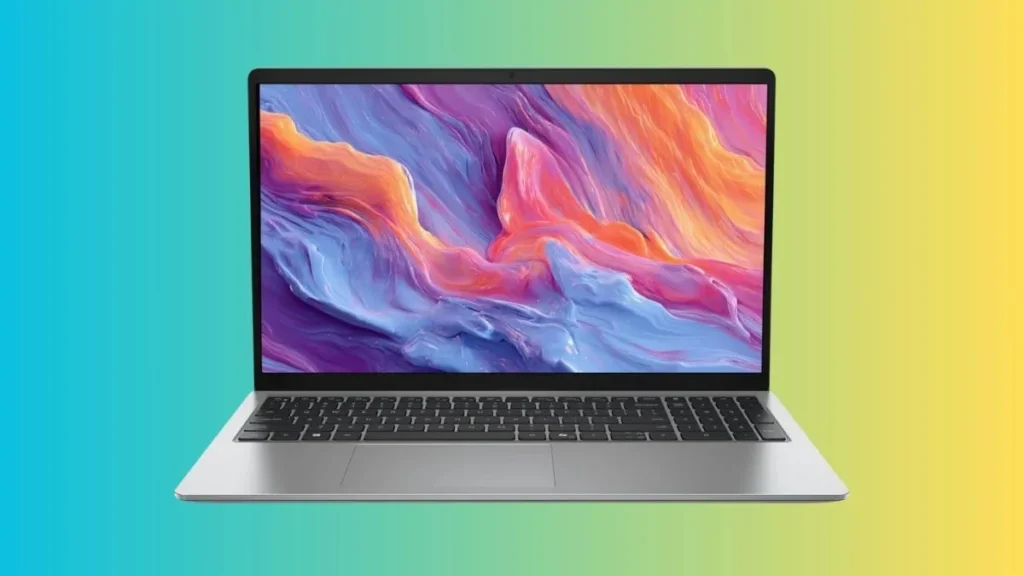
Another important detail is connectivity. The USB ports are limited to 10Gbps speed. There is no clear support for faster standards like USB4. This means users may face limits when using advanced docks, fast storage, or external graphics solutions.
There are still some details that are not confirmed. Dell has not shared the exact processor models in this lineup. It is also not clear if higher versions will support dual-channel memory by default or if users can upgrade easily. These points will affect the real performance of the laptop.
In daily use, the laptop should handle basic tasks without problems. This includes web browsing, watching videos, using office apps, and light multitasking. The newer processor will help keep the system responsive for these tasks.
However, users who need better graphics performance, longer battery life, or higher display quality may find this laptop limited. The single-channel memory setup will especially affect gaming and heavy workloads.
This laptop is best suited for students, office users, and people upgrading from older systems. It offers a modern processor and a well-known brand at a controlled price.
Also Read: Best Gaming Laptops for Students
It may not be the right choice for content creators, heavy users, or anyone who needs strong performance over long periods. It is also not ideal for users who depend on fast external connections or better display quality.
At its price, the Dell 15 offers a newer processor but makes compromises in memory, battery, and display. Buyers should think about what matters most to them before choosing this model.
This launch shows a growing trend in the laptop market. Companies are adding newer processors quickly, but they are not always upgrading the full system at the same time. Because of this, it is important to look beyond the CPU and understand the complete hardware before making a decision.
Source: Dell via IT Home