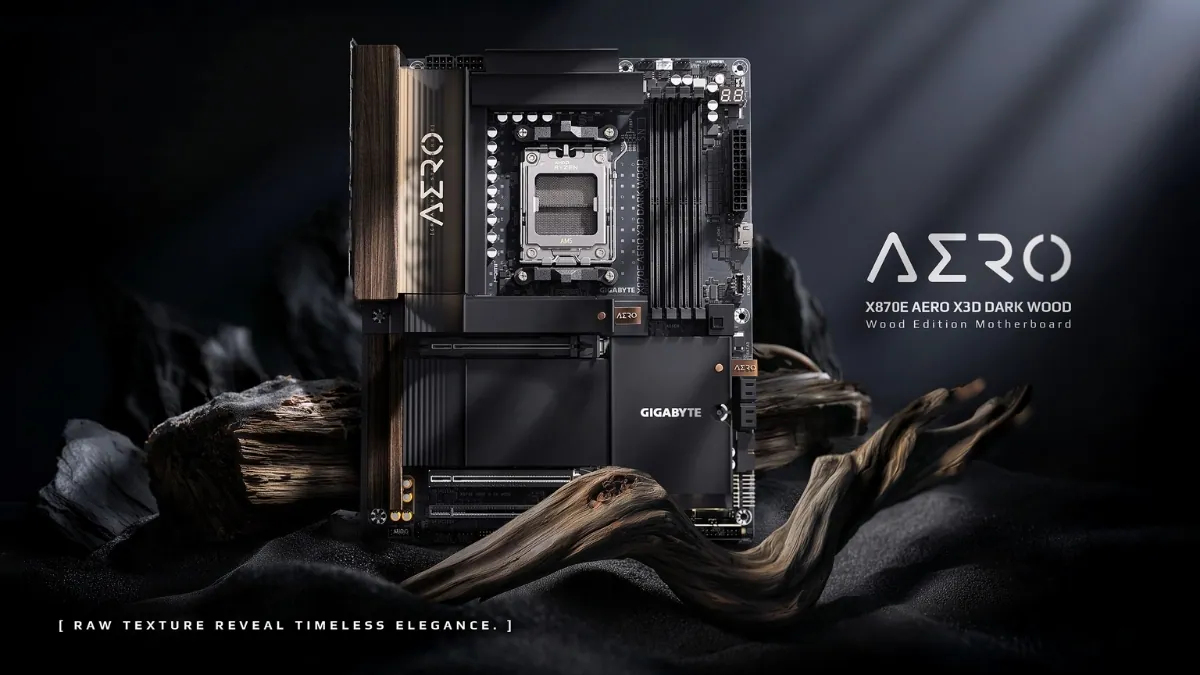
Gigabyte has launched the X870E AERO X3D DARK WOOD on April 2, 2026. It is a premium AM5 motherboard with a unique dark wood design and a full set of modern features. At first look, it appears to offer everything for a high-end PC build. But when you look closer, the way its features work together is more important than the design.
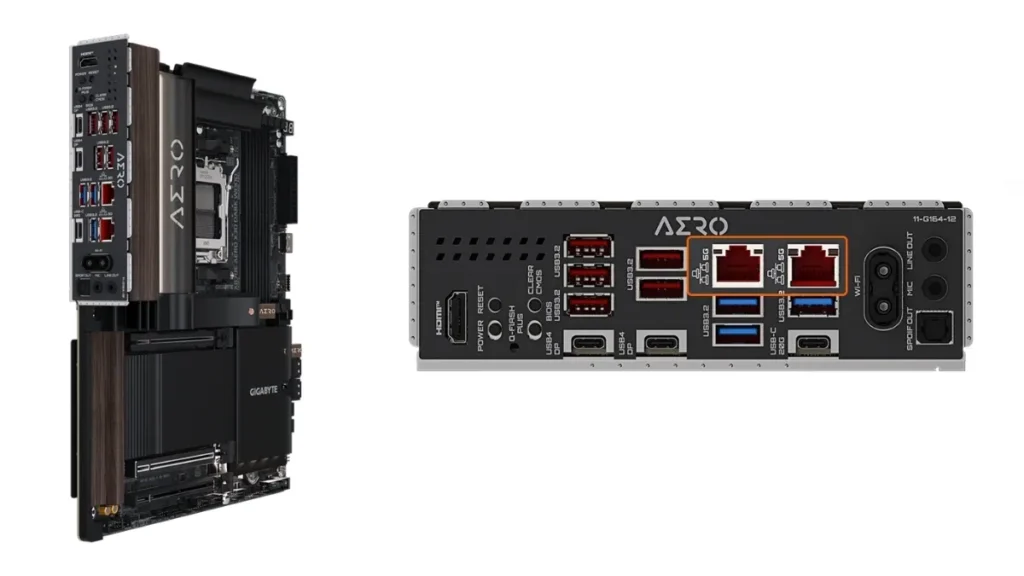
The board uses AMD’s X870E chipset and supports Ryzen 9000, 8000, and 7000 processors. It includes PCIe 5.0 slots, fast DDR5 memory, USB4 ports, WiFi 7, and dual 5GbE LAN. These are all top-tier features, but they do not all run at full speed at the same time. Some of them share bandwidth, and some depend on the CPU you use.
| Category | Details |
|---|---|
| Platform | AMD X870E, AM5 socket |
| CPU Support | Ryzen 9000 / 8000 / 7000 |
| VRM | 16+2+2 phases, 60A DrMOS |
| Memory | DDR5 up to 9000 MT/s (OC), up to 256GB |
| PCIe Slots | 1× PCIe 5.0 x16, 1× PCIe 5.0 x8, 1× PCIe 4.0 x4 |
| Storage | 4× M.2 (2× Gen5 x4, 2× Gen4 x4), 4× SATA |
| Networking | Dual 5GbE LAN + Wi-Fi 7 |
| USB | 2× USB4 (40Gbps), USB 3.2 Gen2x2 |
| Audio | Realtek ALC1220 |
| PCB | 8-layer design |
The PCIe layout is one of the first things to understand. The board has two PCIe 5.0 slots. These slots share the same lanes. If you install a card in both slots, the main slot drops from x16 to x8. For gaming, this usually does not cause a big performance drop today, but it can matter for heavy workloads or future GPUs.
The CPU you choose also changes how the board works.
| CPU Type | Primary Slot | Secondary Slot | Notes |
|---|---|---|---|
| Ryzen 9000 / 7000 | PCIe 5.0 x16 | PCIe 5.0 x8 | Full support |
| Ryzen 8000 Phoenix 1 | PCIe 4.0 x8 | Not available | Reduced lanes |
| Ryzen 8000 Phoenix 2 | PCIe 4.0 x4 | Not available | More limits |
This means Ryzen 8000 processors remove some features. The second PCIe slot will not work, and GPU bandwidth is lower. This is important for users who plan to use more than one expansion card.
Storage and USB4 are also connected in a way that creates limits. One of the main M.2 slots shares bandwidth with the USB4 controller. When that slot is in use, both the SSD and USB4 ports run at lower speed.
| Feature | Result |
|---|---|
| Using shared M.2 slot | USB4 speed drops |
| Using USB4 devices | SSD bandwidth is reduced |
| Ryzen 8000 CPUs | Some M.2 slots may not work |
This leads to a simple point. You cannot use every feature at full speed at the same time. If you install multiple fast SSDs and use USB4 devices, some performance will be reduced.
If you install two PCIe Gen5 SSDs and connect a fast USB4 external drive, one of them will not run at full speed. If you use a Ryzen 8000 processor, one SSD slot may not work at all.
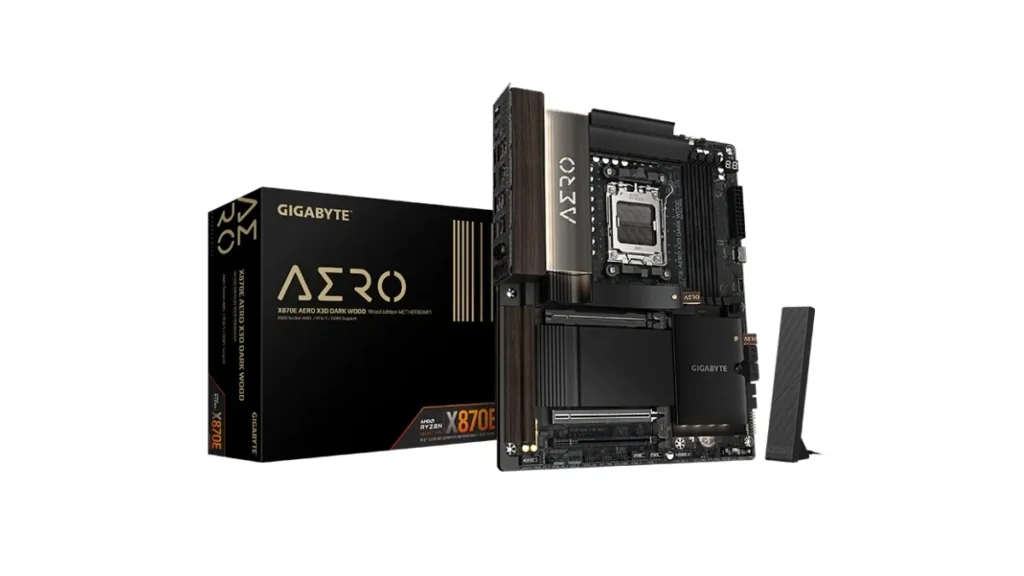
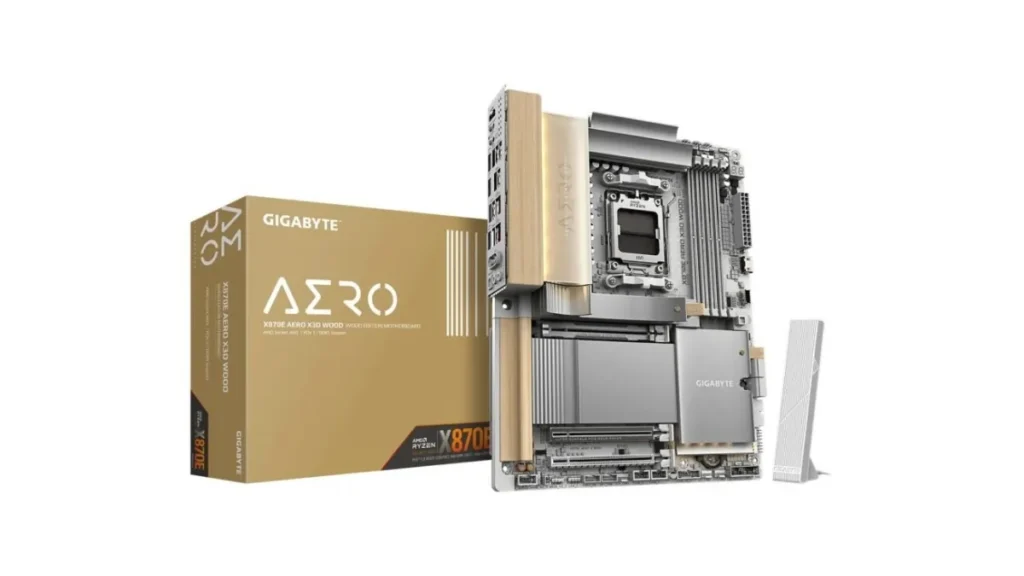
The board also includes several features that make building easier. It has tool-free M.2 installation, quick-release heatsinks, and simple WiFi antenna setup. It also includes built-in network driver support so you can get online quickly after turning on the system. These features improve the build experience but do not change the bandwidth limits.
The board supports HDMI 2.1 and USB4 with display output support. This allows high resolution video when using a CPU with integrated graphics. This is useful for users who do not install a separate graphics card.
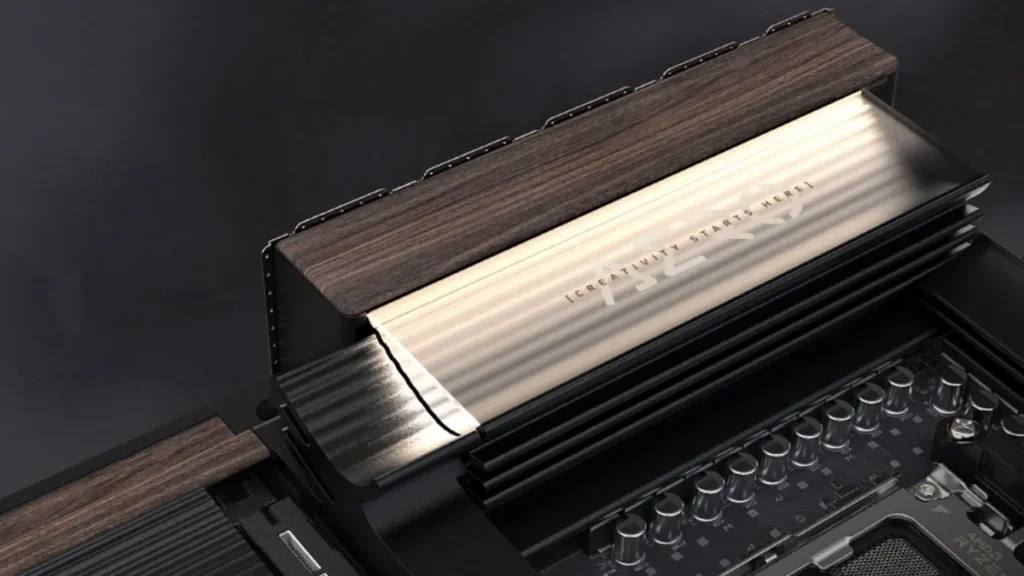
Cooling is another strong part of this board. It includes large heatsinks, a heatpipe, and multiple covers for SSD cooling. This helps keep temperatures under control, especially for PCIe Gen5 SSDs, which can get very hot during heavy use.
Memory support goes up to DDR5-9000, but this is an overclocked speed. In normal use, most systems will run between DDR5-6000 and DDR5-7200 for better stability.
Also Read: Best Laptops for Deep Learning, ML, and AI (2026): Tested for Real Workloads
The board also includes a feature called X3D Turbo Mode 2.0. It is designed to improve performance on Ryzen X3D processors. The actual gain depends on the type of workload, so results will vary.
This model is very similar to the earlier version of the same board. The main difference is the darker design. The core features and performance remain the same, so the choice is mostly about looks.
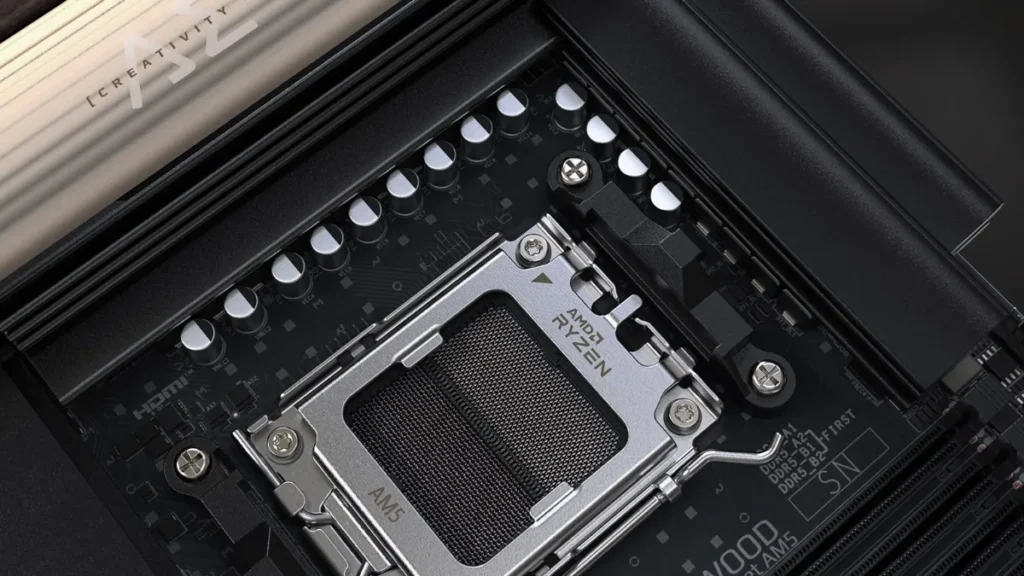
For real-world use, this motherboard is a strong option for high-end Ryzen 9000 or 7000 builds. It works best with one GPU, one or two SSDs, and normal use of USB4. It is also a good choice for users who want a clean and stylish build.
It is not the best option for very complex setups. If you plan to use many SSDs, multiple expansion cards, and heavy USB4 devices at the same time, you will face limits. It is also not ideal for Ryzen 8000 APU builds because some features will not be available.
Pricing has not been announced yet, but it is expected to be in the premium range based on earlier models.
The X870E AERO X3D DARK WOOD offers strong features and a unique design. At the same time, it shows how modern PC hardware works today. Features like PCIe 5.0 and USB4 are powerful, but they share resources. Understanding these limits is important before building a system with this motherboard.
Source: Gigabyte