
Buying a renewed MacBook always comes with a little uncertainty. You know the specifications before it arrives, but you don’t really know its condition until you open the box.
That’s exactly how I felt while waiting for this MacBook Pro 16-inch (2019). I bought it for under $500 to use as a dedicated editing laptop for PCVenus. My plan is to edit videos, create short-form content, write articles, and see whether this older Intel MacBook can still handle my daily work.
This isn’t a review because I’ve only spent a short time with it. Think of this as my initial setup with the laptop and everything I noticed before putting it into regular use.
MacBook Pro 16-inch (2019): My Unit
| Specification | Details |
|---|---|
| Model | Apple MacBook Pro 16-inch (2019) |
| Condition | Renewed (Good) |
| Price Paid | Under $500 |
| Processor | Intel Core i9-9980HK (9th Gen, 8 Cores / 16 Threads) |
| Base / Boost Clock | 2.4 GHz / Up to 5.0 GHz |
| Memory | 16GB DDR4 2666 MHz |
| Storage | 1TB PCIe NVMe SSD |
| Graphics | AMD Radeon Pro 5500M 4GB GDDR6* |
| Integrated Graphics | Intel UHD Graphics 630 |
| Display | 16-inch Retina IPS (3072 × 1920), True Tone |
| Battery Cycle Count | 178 Cycles |
| Operating System | macOS Tahoe |
| Touch Bar | Yes |
| Ports | 4 × Thunderbolt 3 (USB-C), 3.5 mm Headphone Jack |
| Wireless | Wi-Fi 5 (802.11ac), Bluetooth 5.0 |
| Cable/adapter Included | No |
Opening the Box
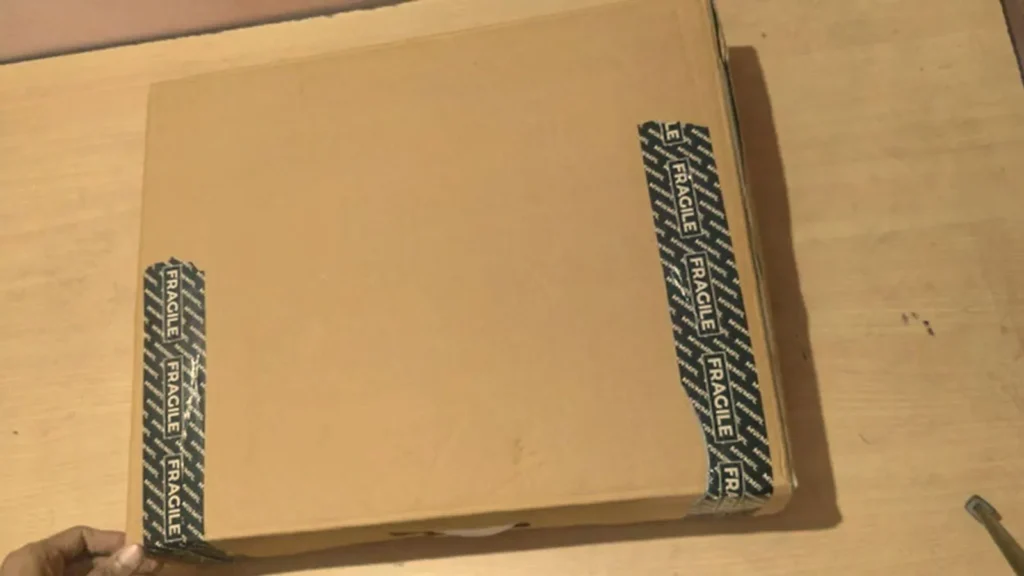
The package arrived in a plain cardboard box without Apple’s retail packaging, which was expected for a refurbished product.
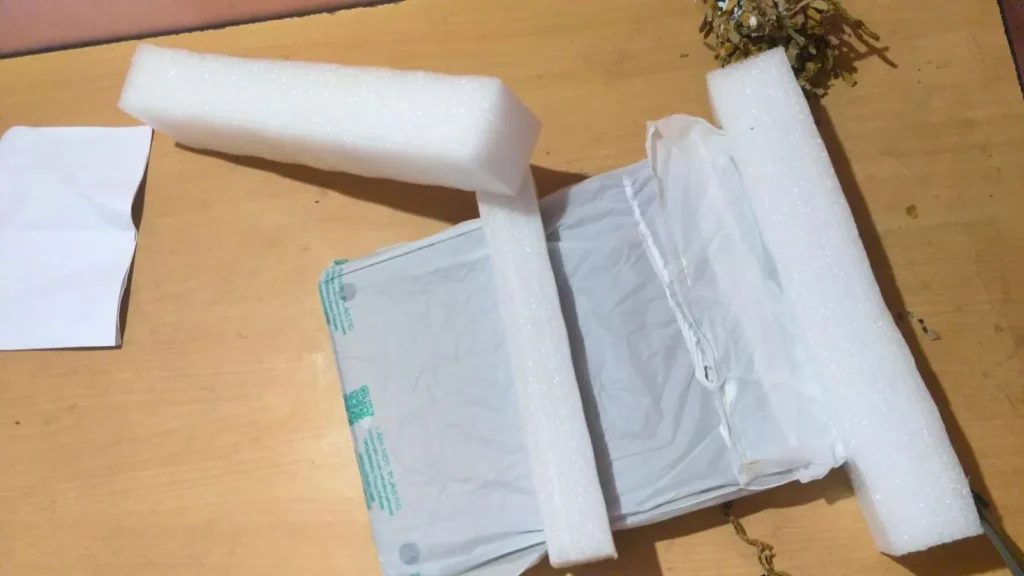
After opening it, I found the MacBook wrapped in a protective sleeve with foam on both sides to keep it secure during shipping.
That was all that was inside.
There wasn’t a adapter.
There wasn’t a USB-C cable.
There weren’t any manuals or accessories.
Since I already had a compatible USB-C charger, that wasn’t a problem for me, but it’s something worth checking if you’re buying a refurbished MacBook for the first time.
The packaging wasn’t fancy, but the laptop arrived safely, and that’s what mattered most.
Before I Turned It On
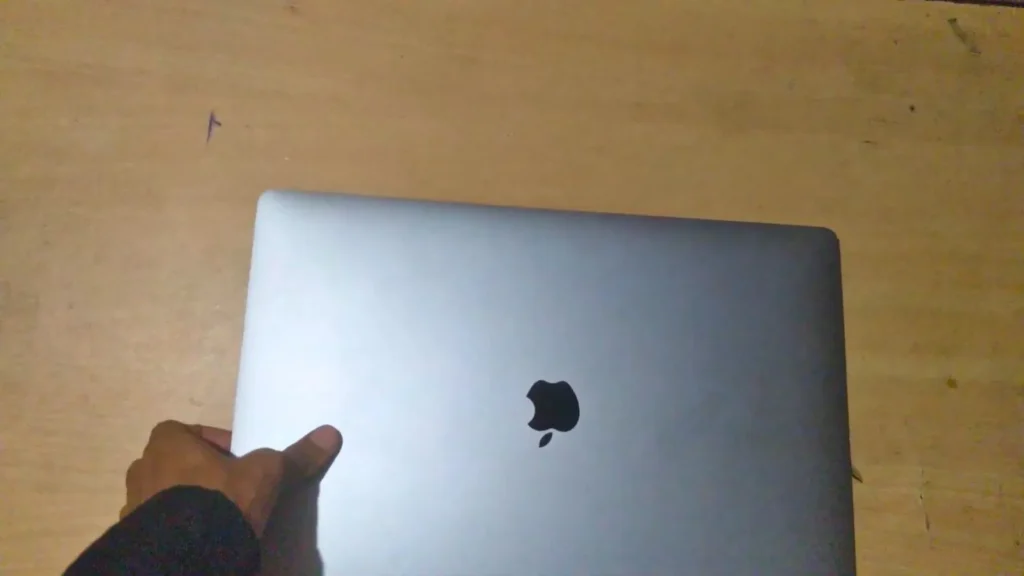
Before connecting the adapter, I spent a few minutes looking over the laptop.
Whenever I buy a refurbished device, the first thing I check isn’t the specifications. I check the condition.
I looked at the lid, the corners, the ports, and the bottom cover to see how well the previous owner had taken care of it.
The top cover looked clean, with no major dents or deep scratches.
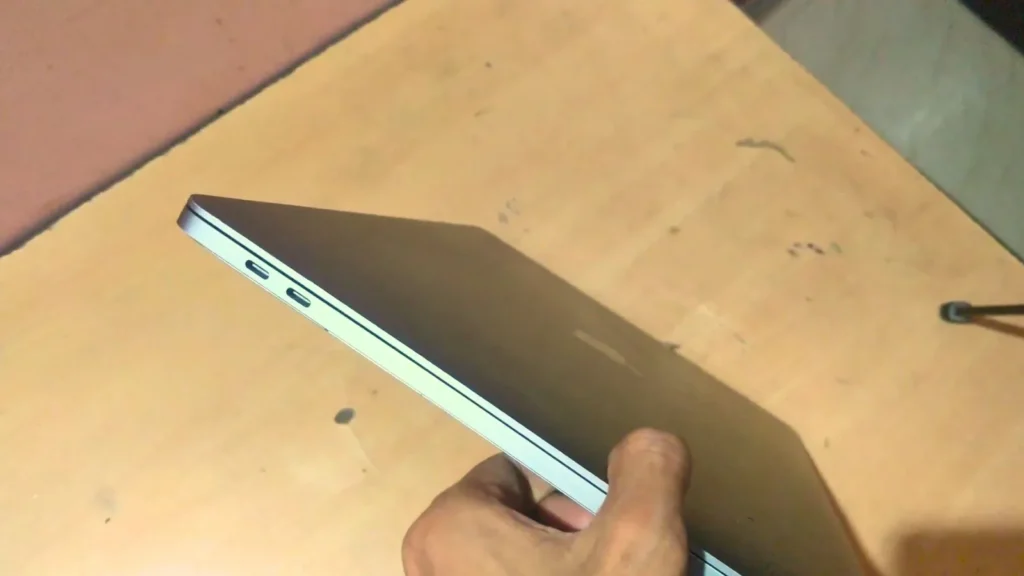
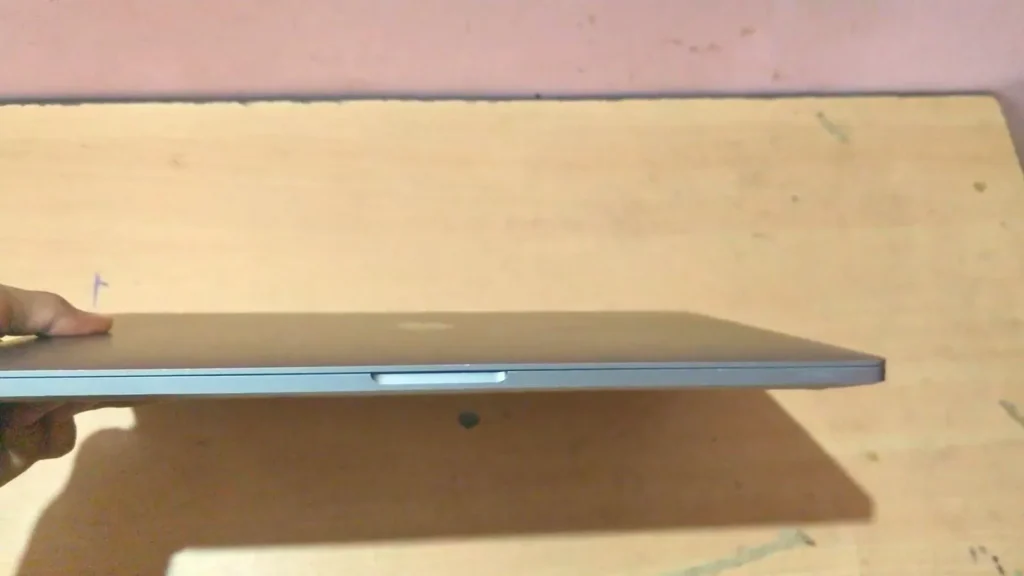
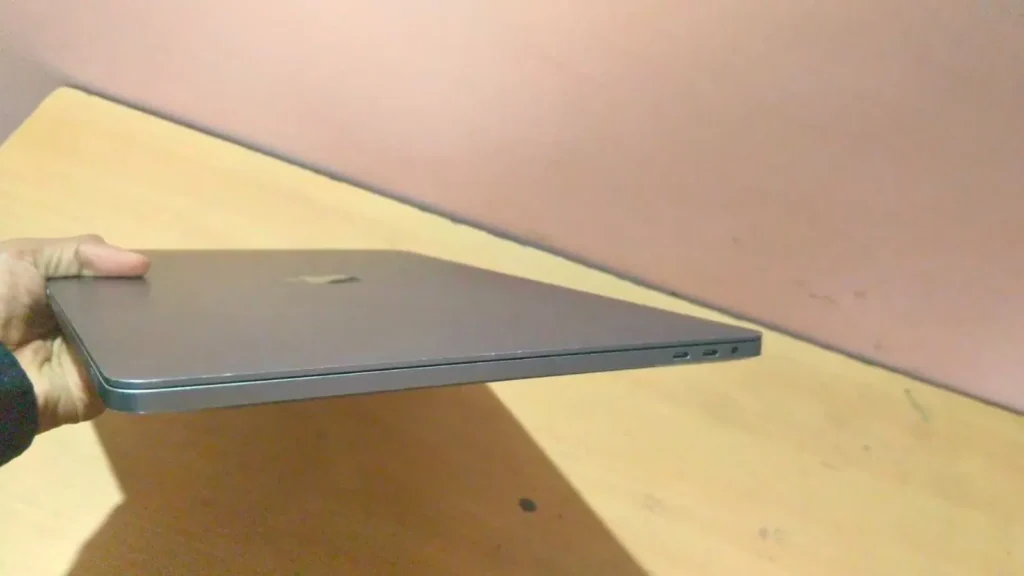
The sides had a few small marks, which is normal for a used laptop, but nothing immediately caught my attention. I also checked all four Thunderbolt ports for visible damage, and everything looked intact.
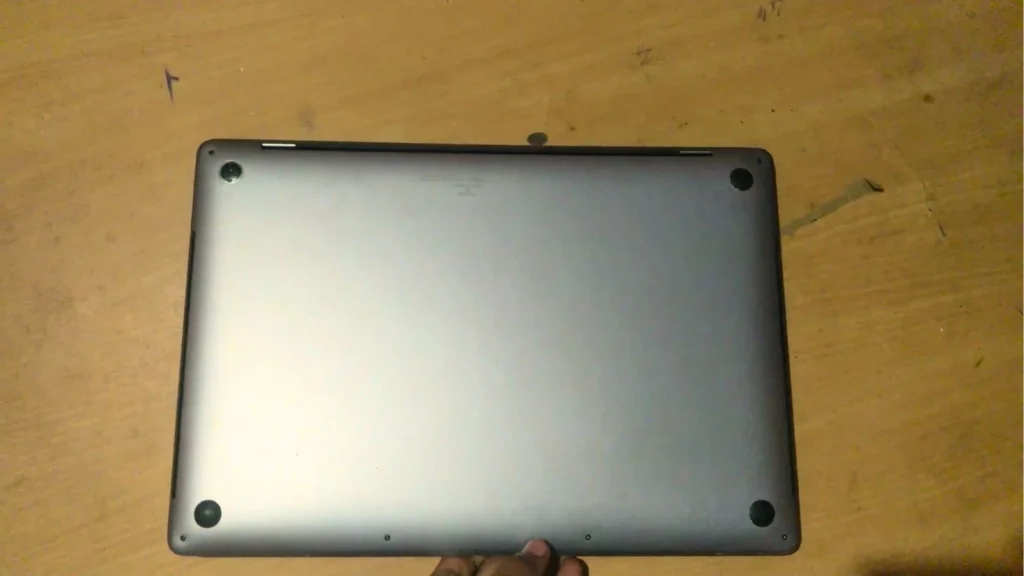
The bottom panel was also in good condition. All the screws were present, and I didn’t notice anything that suggested the laptop had been opened or repaired poorly.
At that point, I felt much better about buying it.
My First Reaction After Holding It
The first thing I noticed when I picked it up was the weight.
Coming from thinner laptops (Dell Inspiron 15), this MacBook definitely feels heavier, but not in a bad way. It feels dense and solid in your hands.
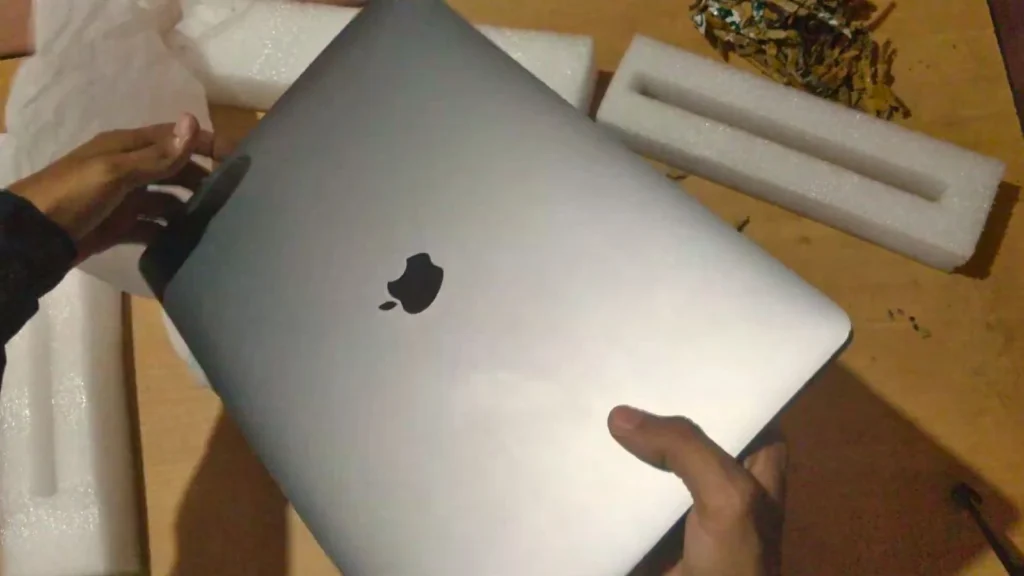
I opened and closed the lid a few times before turning it on. The hinge still felt smooth, and the laptop gave me the impression that it had been looked after rather than heavily used.
That was a relief because buying renewed hardware is always a bit of a gamble.
So far, the physical condition had given me confidence.
The next step was to find out whether the experience would be just as good once I pressed the power button.
First Boot
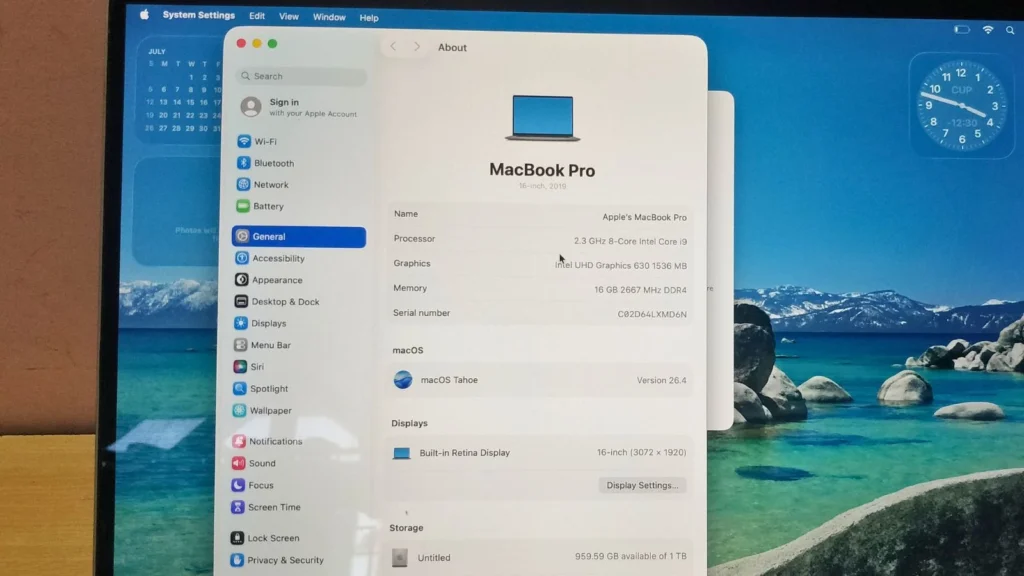
After checking the outside of the laptop, I pressed the power button.
The MacBook started normally, and I didn’t see any activation or setup issues. A few minutes later, I was on the desktop.
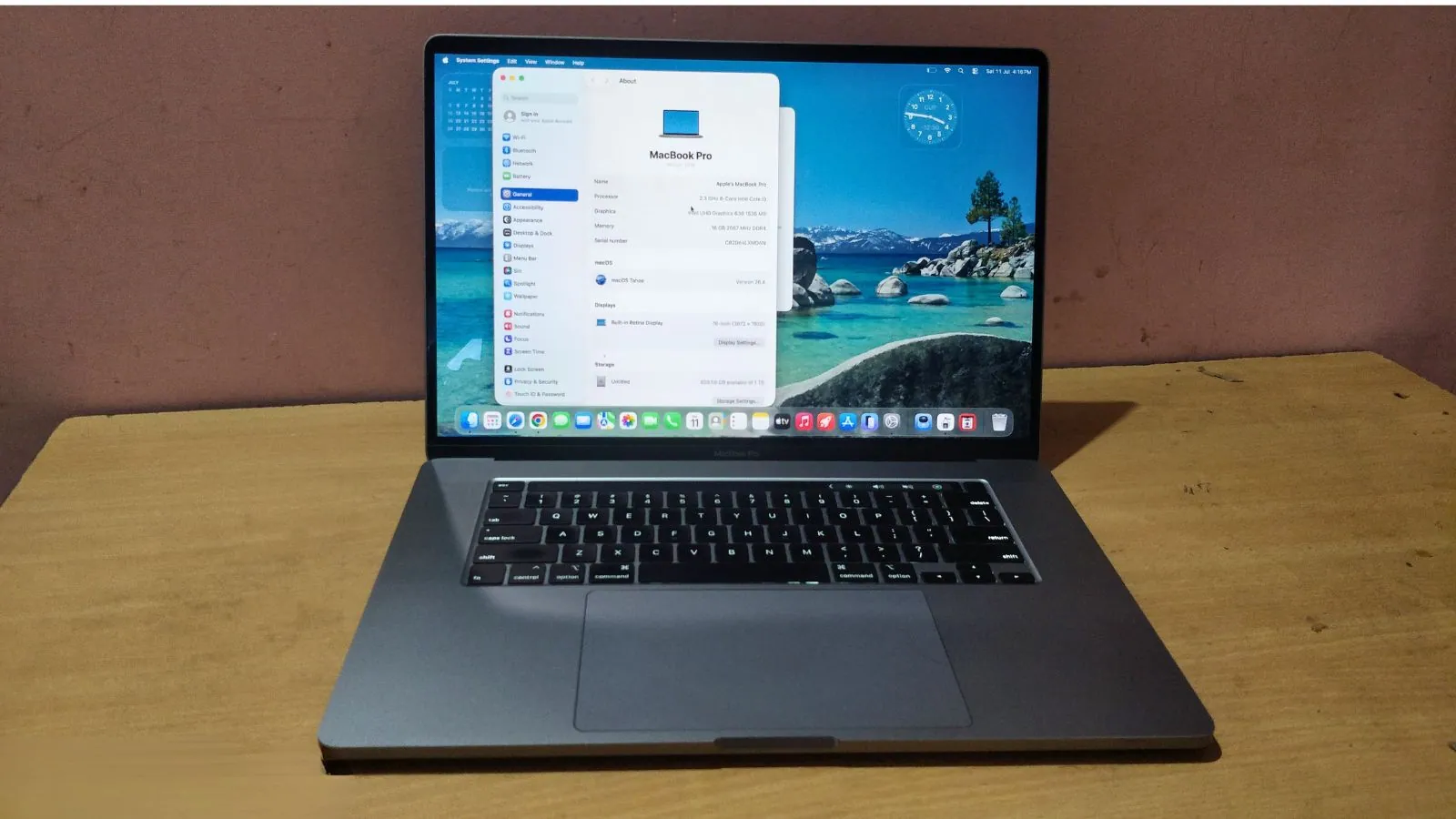
Before installing any software, I opened About This Mac to confirm that the hardware matched the seller’s listing.
It did.
My unit has an 8-core Intel Core i9 processor, 16GB of memory, and a 1TB SSD. It was also running macOS Tahoe, so I could start using it without spending time on a major system update.
Display
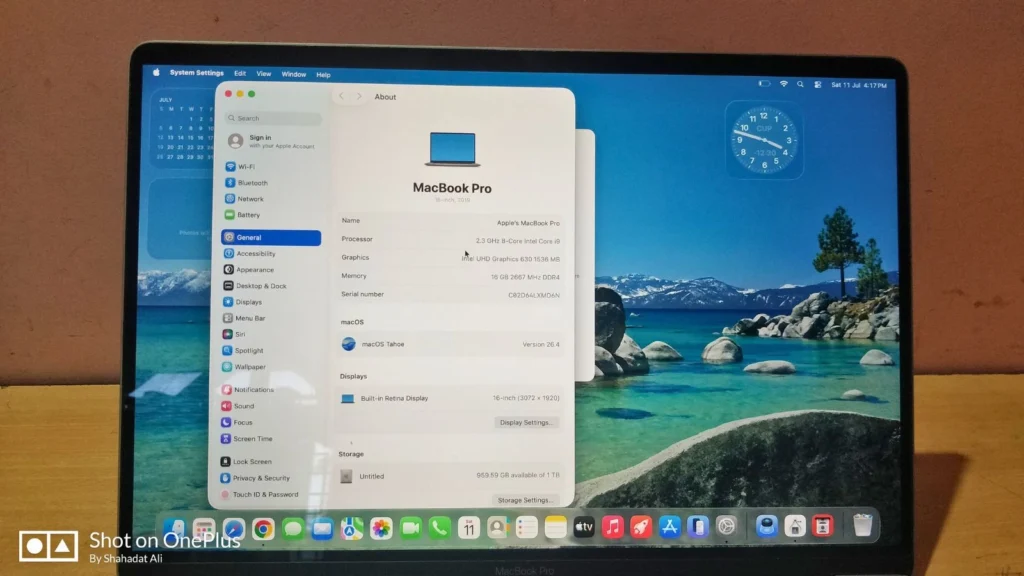
The display was the next thing I checked.
Before opening any apps, I looked closely for dead pixels, backlight problems, or other visible issues because those can sometimes appear on older laptops.
I didn’t notice anything unusual during my initial setup.
Text looked clear, colors looked natural, and the large 16-inch screen gave me plenty of workspace for multiple windows.
I’ll spend more time testing brightness, color accuracy, and outdoor visibility during my long-term review.
Keyboard, Trackpad, and Touch Bar
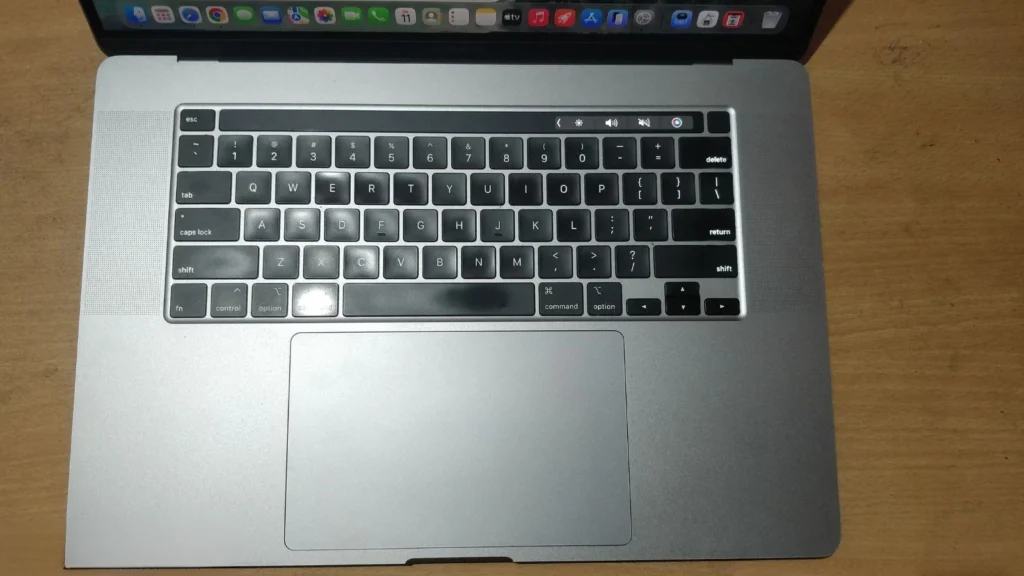
Before signing into my accounts, I typed a few paragraphs to make sure every key was working.
None of the keys felt stuck, and I didn’t find any unresponsive keys during my first day.
Next, I tested the large Force Touch trackpad by scrolling through menus, opening apps, and using a few common gestures. Everything responded normally.
I also checked the Touch Bar to make sure it reacted correctly while changing volume and screen brightness. It worked as expected.
Speakers
The speakers were one of the first things that made me smile.
After finishing the setup, I opened YouTube and played a few videos.
The volume was much louder than I expected from a laptop this old, and the sound felt full without needing external speakers.
I haven’t compared it directly with newer MacBooks yet, but my first reaction was simple:
These speakers still sound impressive.
Battery Check
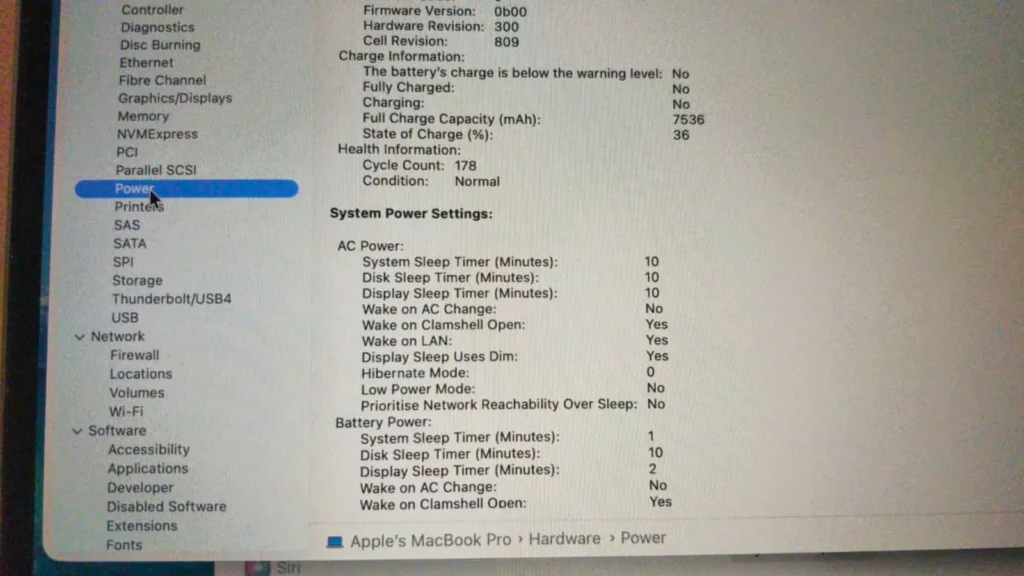
Before installing editing software, I wanted to see the battery condition.
The battery showed 178 charge cycles, which is lower than I expected for a MacBook from 2019.
I don’t know whether the battery was replaced during refurbishment or whether the previous owner simply didn’t use the laptop very often.
For now, the battery health looks promising based on the cycle count alone.
My Biggest Surprise
If I had to pick one thing that surprised me on the first day, it would be the overall condition of the laptop.
Before it arrived, I expected to find more signs of wear because it’s a refurbished MacBook 2019. Instead, it looked much cleaner than I had imagined. The hardware matched the listing, and nothing I checked gave me a reason to worry.
That doesn’t mean I’ve tested everything yet, but my first day left me feeling much more confident about the purchase.
What I’ll Be Testing Next
This article covers only my first day with the MacBook. I haven’t spent enough time with it to judge its performance, battery life, or thermal behavior.
Over the next few weeks, this laptop will become part of my regular workflow at PCVenus. Instead of running a few quick tests, I’ll use it the same way I use my other work machines.
That includes:
- Editing videos in Adobe Premiere Pro and Final Cut Pro
- Rendering projects in Blender
- Writing and publishing articles
- Creating YouTube Shorts and social media content
- Working with multiple Chrome tabs open
- Checking battery life during normal use
- Monitoring fan noise and temperatures
- Testing the webcam for video calls
After using it every day, I’ll publish a full review with benchmarks, battery results, and my long-term experience.
First Impression Verdict
After using it for a few hours, I’m glad I decided to take a chance on it.
So far, nothing has made me regret buying a refurbished model. The laptop is now ready to become part of my daily work, and that’s exactly what I’ll be doing next.
I’ll be back with a full review after I’ve spent more time editing videos, writing articles, and using it as my main content creation laptop.