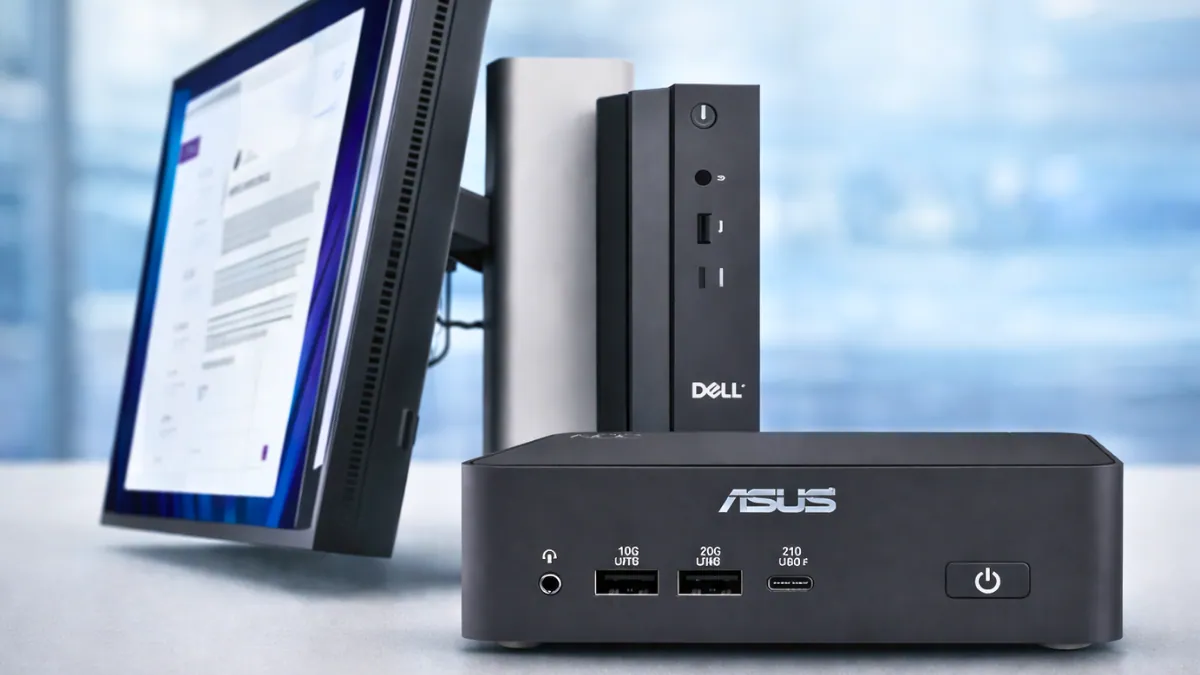
Dell and ASUS have unveiled purpose-built hardware designed specifically for Microsoft’s Windows 365 Cloud PC service, signaling a deeper push toward cloud-managed desktop environments in enterprise IT. The new Dell Pro Desktop for Windows 365 and ASUS NUC 16 for Windows 365 are not traditional PCs. Instead, they function as secure endpoints that stream a full Windows desktop directly from Microsoft Azure.
Unlike standard desktops that run Windows locally, these devices act primarily as access terminals. Applications, data, and processing workloads remain in the cloud, while the physical hardware serves as a secure connection point. This design reduces the risk of local data exposure and simplifies device management for IT teams.
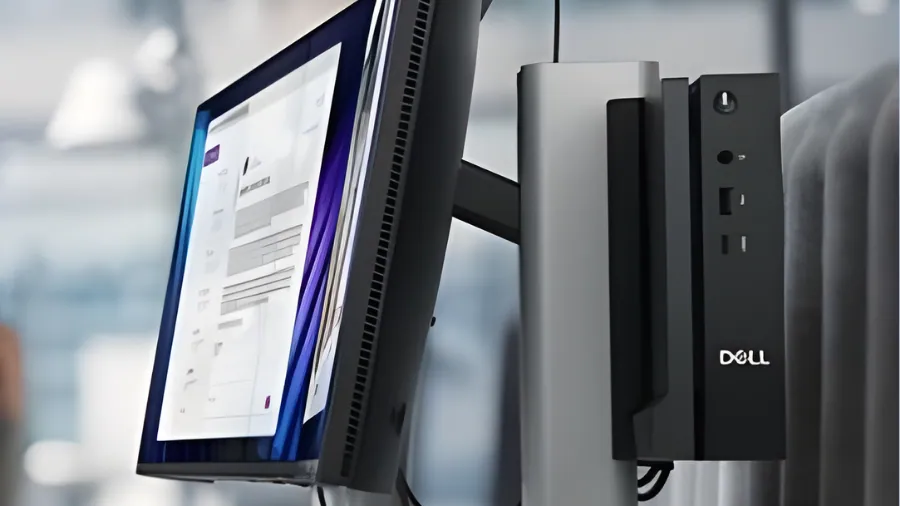
Dell’s entry, the Dell Pro Desktop for Windows 365, is a compact fanless system powered by Intel N-series processors. It operates in a locked-down configuration that prevents enterprise data from being stored on the device. If hardware is lost or stolen, company information remains protected within Azure.
Users authenticate through Microsoft Entra ID, with support for passwordless sign-in methods such as Microsoft Authenticator and FIDO2 security keys. IT administrators manage provisioning, updates, and compliance policies using Microsoft Intune, eliminating the need for traditional OS imaging or local configuration.
Also Read: Windows 11 24H2 Adds Built-In Speed Test and Native Sysmon Tool
Dell states that the device supports up to three displays and offers flexible peripheral connectivity. It is targeted at sectors including healthcare, financial services, government, and call centers where centralized control and data security are priorities. General availability is expected in Q3 2026, with a technical preview planned during Dell Technologies World.
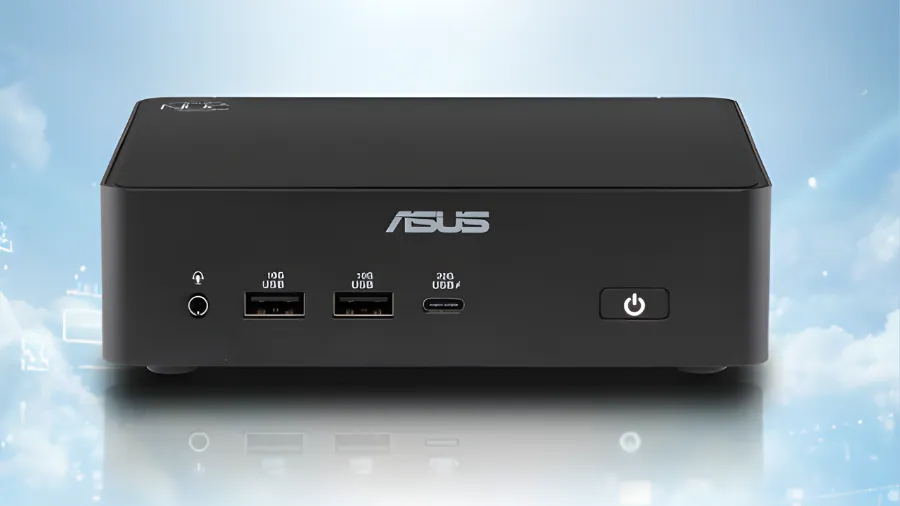
ASUS is entering the same category with the ASUS NUC 16 for Windows 365. Built on the compact Intel NUC platform, the device measures roughly 0.7 liters in volume and can be mounted behind a monitor. The small footprint makes it suitable for clean desk environments, shared workstations, and hot-desking scenarios.
The ASUS NUC 16 includes a latest-generation Intel processor, DDR5 memory, Wi-Fi 6E, 2.5GbE LAN, Bluetooth 5.3, HDMI, USB Type-C, and USB Type-A connectivity. Like Dell’s model, it is configured specifically for Windows 365 access and managed through Microsoft Intune. Local workloads and enterprise applications are not stored on the hardware.
Although these systems resemble mini PCs or thin clients, they are tailored specifically for Microsoft’s Cloud PC ecosystem. Traditional desktops rely on local operating systems and storage. Windows 365 endpoints, by contrast, stream the entire Windows session from Azure, with updates, policies, and security controls handled centrally.
For organizations with distributed teams, shift-based staffing, or high employee turnover, this approach simplifies onboarding and offboarding. Access can be provisioned or revoked through cloud management tools without replacing hardware or migrating data.
Neither company has announced pricing. With availability scheduled for later this year, Dell and ASUS are positioning these devices as dedicated hardware for enterprises adopting Windows 365 as a long-term desktop strategy.
Key Differences
| Specification | Dell Pro Desktop for Windows 365 | ASUS NUC 16 for Windows 365 |
|---|---|---|
| Processor | Intel N-series | Latest Intel processor |
| Cooling Design | Fanless chassis | Not specified |
| Form Factor Size | Compact desktop | 0.7 liter ultra-compact |
| Memory | Not specified | DDR5 |
| Networking | Not fully specified | Wi-Fi 6E + 2.5GbE LAN |
| Display Support | Up to three displays | Not specified |
| Availability | Q3 2026 | Later this year |