A 120Hz refresh rate is still uncommon in monitors designed around the Mac ecosystem. BenQ’s new MA320UG changes that formula with a 32-inch 4K display that combines a higher refresh rate with color settings tuned for macOS, creating an option that sits somewhere between a traditional creator monitor and a modern high-refresh desktop display.
The MA320UG enters a category where 60Hz remains the norm. Apple’s Studio Display, despite its premium positioning, still operates at 60Hz. BenQ is taking a different route by pairing a larger screen with a refresh rate that can make everyday navigation feel noticeably smoother, whether users are scrolling through long documents, editing photos, managing timelines, or working across multiple applications.
The monitor is now available in the United States through BenQ’s online store, Amazon, and other authorized retailers. BenQ has priced the MA320UG at $829.99.
The display features a 32-inch IPS panel with a 3840 × 2160 resolution and BenQ’s Nano Gloss coating. Rather than relying on a traditional matte finish, the company has chosen a surface treatment intended to maintain image sharpness and color vibrancy while reducing reflections that often become distracting in brightly lit rooms.
The panel covers 98% of the P3 color gamut and is calibrated to closely match colors displayed on MacBook screens. For photographers, designers, video editors, and digital artists, that consistency can help reduce the differences often seen when moving projects between a laptop and an external display.
The panel reaches up to 500 nits of brightness and offers a 2000:1 contrast ratio. Those figures place it closer to creator-focused displays than standard office monitors, making it suitable for both professional content creation and everyday productivity work.
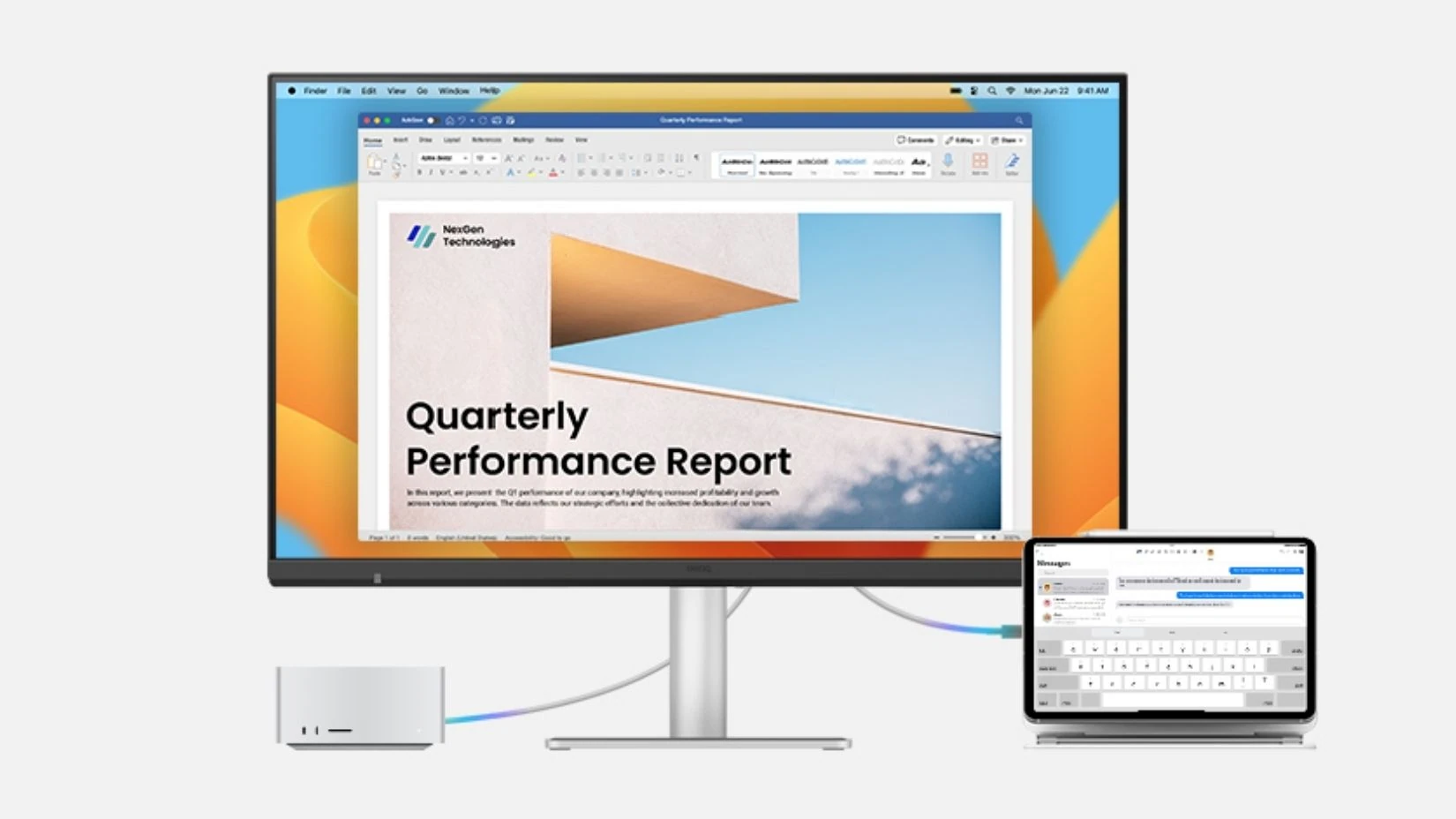
Two Thunderbolt 4 ports sit at the center of the connectivity setup. A single cable can carry video, data, and charging power simultaneously. One port can provide up to 96W of charging power for a connected MacBook, while the second Thunderbolt connection supports up to 15W for accessories and secondary devices.
BenQ has added support for dual 4K daisy-chaining at 120Hz, allowing users to connect a second display without sacrificing the higher refresh rate. That feature may appeal to professionals working with large spreadsheets, development environments, financial applications, or video-editing timelines where extra screen space is valuable.
Additional connectivity consists of HDMI, USB-C, and USB-A ports, allowing the monitor to serve as a central connection point for storage devices, peripherals, and accessories.
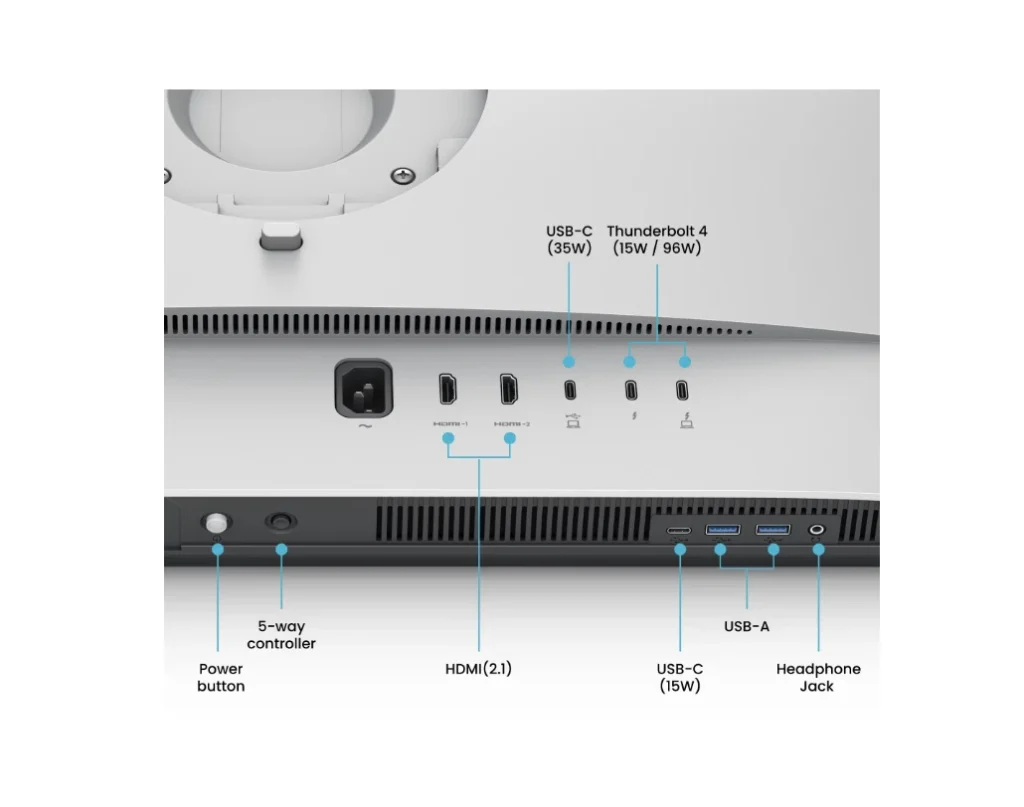
Smart KVM functionality is built in as well. A single keyboard and mouse can control two connected computers, making it easier to switch between a MacBook and another desktop machine without constantly reconnecting hardware.
Several features have been developed specifically for macOS users. iKeyboard Control allows brightness and volume adjustments directly through Mac keyboard shortcuts. Brightness Sync can automatically match the display’s brightness with a connected MacBook screen.
BenQ has added another tool called FocuSync. The monitor can respond to active macOS Focus Modes and automatically adjust settings depending on the user’s current workflow.
Display Pilot 2 software provides additional display controls, workspace management tools, and customization options from within macOS.
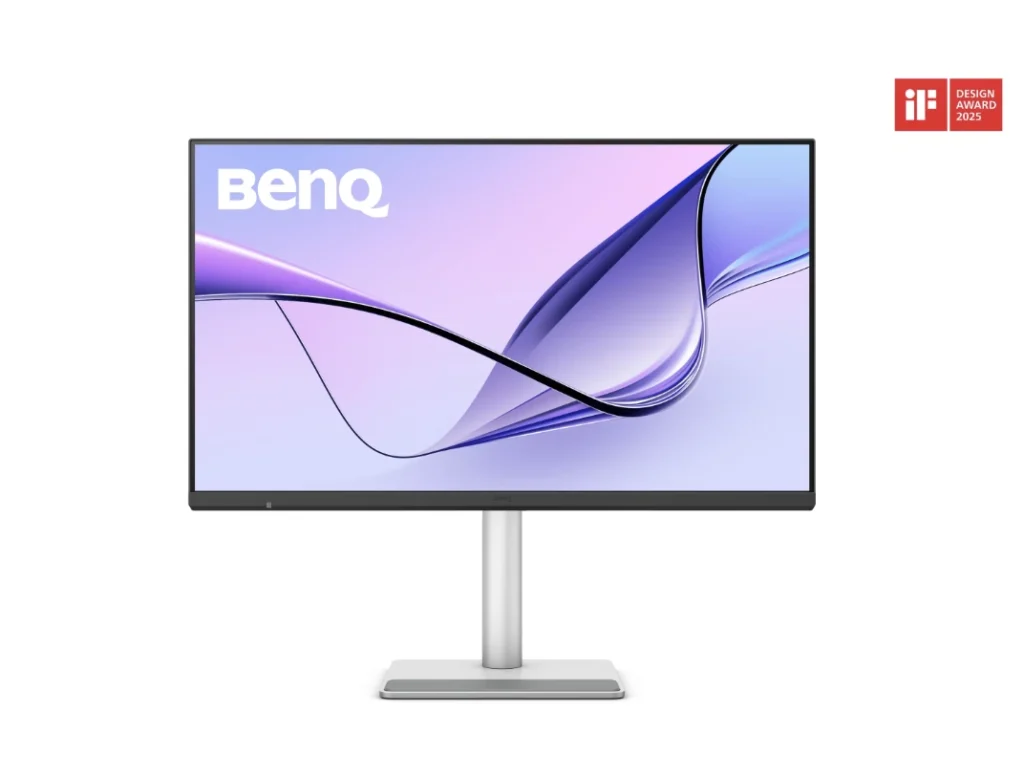
The stand supports height adjustment, tilt, swivel, and pivot movement. BenQ has finished the monitor in a silver color scheme that pairs naturally with Apple’s current hardware lineup.
While many Mac-focused monitors continue to prioritize resolution and color accuracy alone, the MA320UG adds a feature that has been largely absent from this segment: a 120Hz refresh rate. Combined with Thunderbolt 4 connectivity, dual 4K daisy-chaining, Smart KVM support, and macOS-specific software tools, the display offers a different option for users looking beyond the usual 60Hz experience.