DirectX 12 Dump Files Preview Helps Developers Track Down GPU Crashes

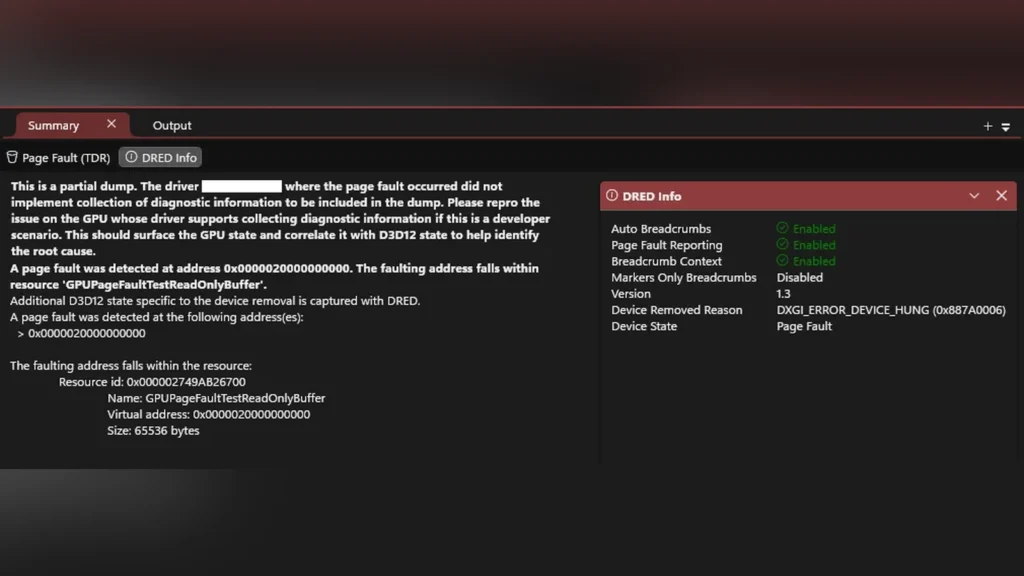
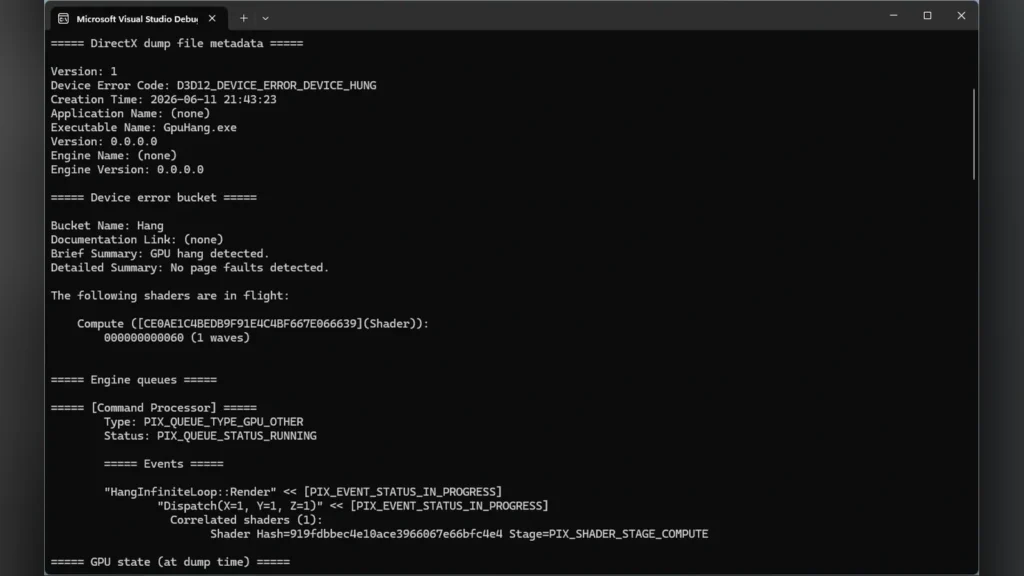
A public preview of Microsoft’s DirectX Dump Files provides developers with new tools to diagnose GPU crashes on Windows. The DirectX 12 feature generates a `.dxdmp` file whenever a graphics card stops responding or encounters a crash condition. This file captures the GPU execution state, driver details, and Direct3D runtime context at the moment of failure.
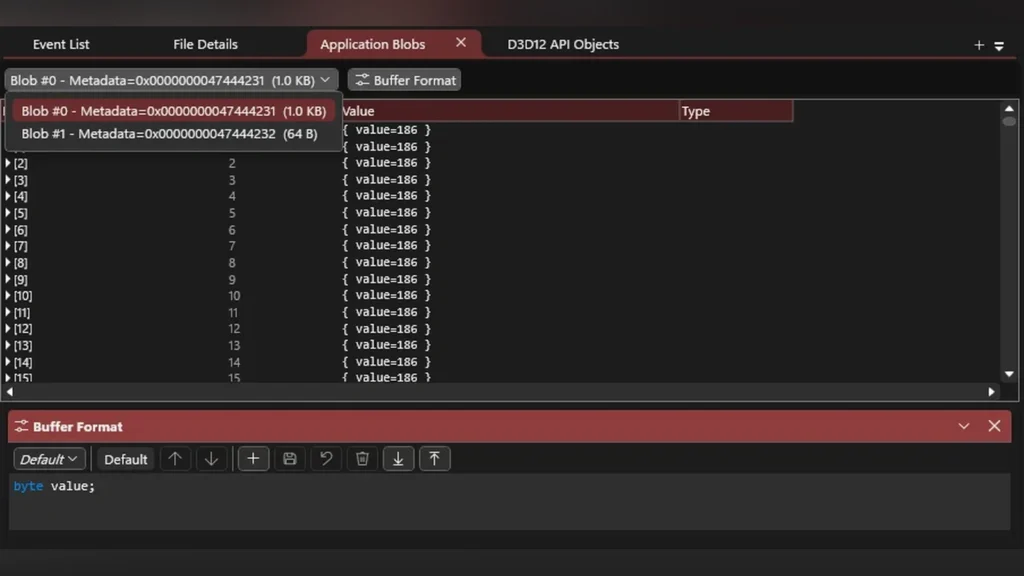
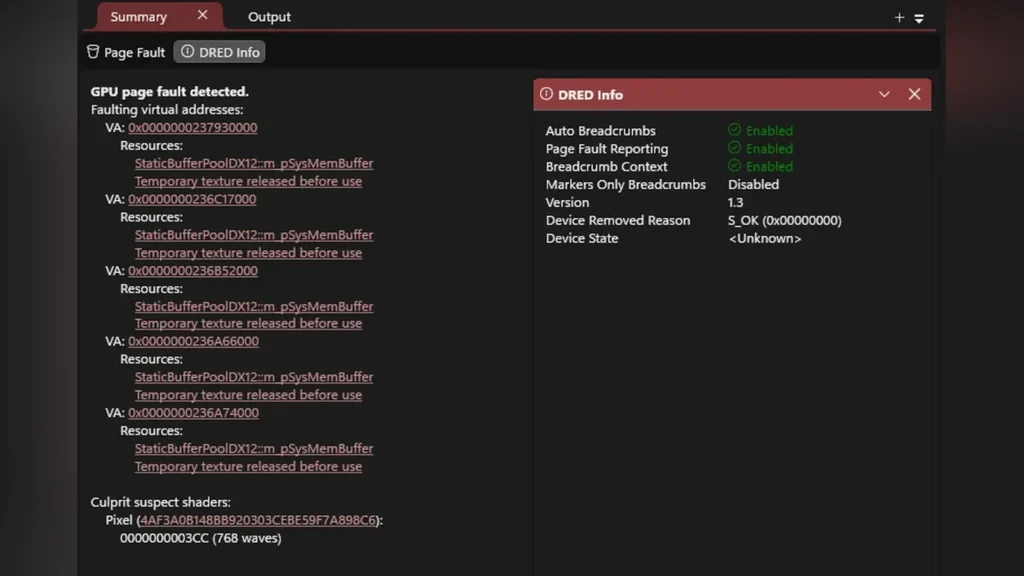
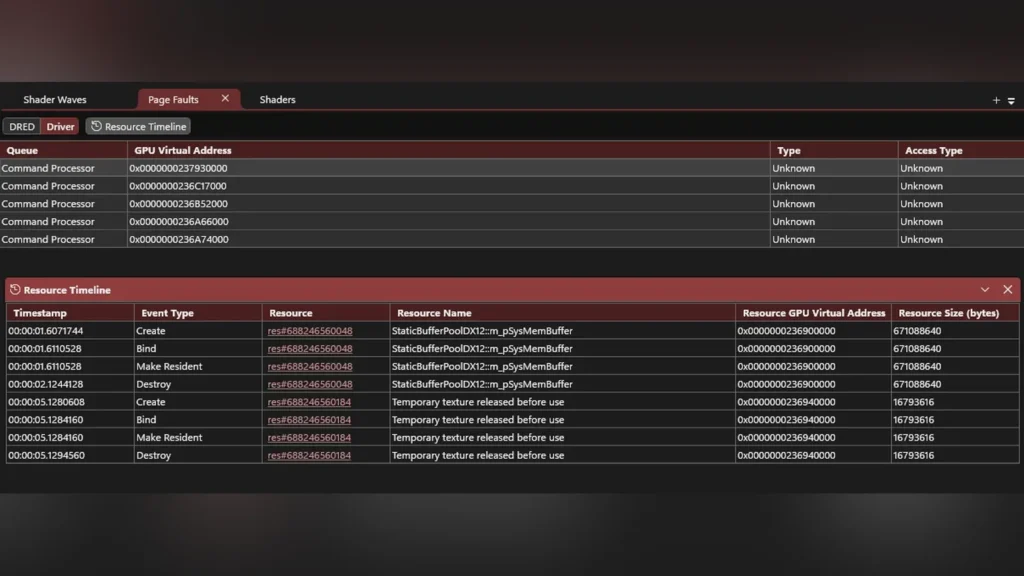
Analyzing call stacks and active threads in PIX debugger.
PIX displays active GPU threads and code call stacks from the crash log.
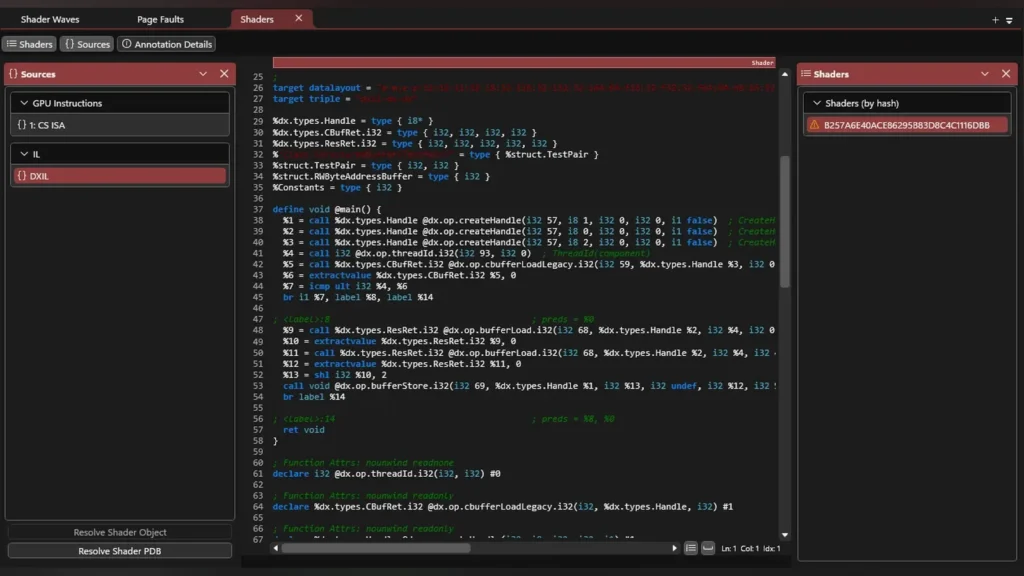
Opening a DirectX Dump File in the PIX profiling tool.
Developers can open the dump files in PIX to analyze execution states.

Developers can load the `.dxdmp` file into Microsoft’s PIX tool to inspect the failure without needing to recreate the crash on their local hardware. This feature serves game developers, engine teams, and QA studios rather than standard players.
Microsoft DirectX developer blog post announcing Agility SDK details.
Agility SDK details and release notes on the DirectX dev blog.
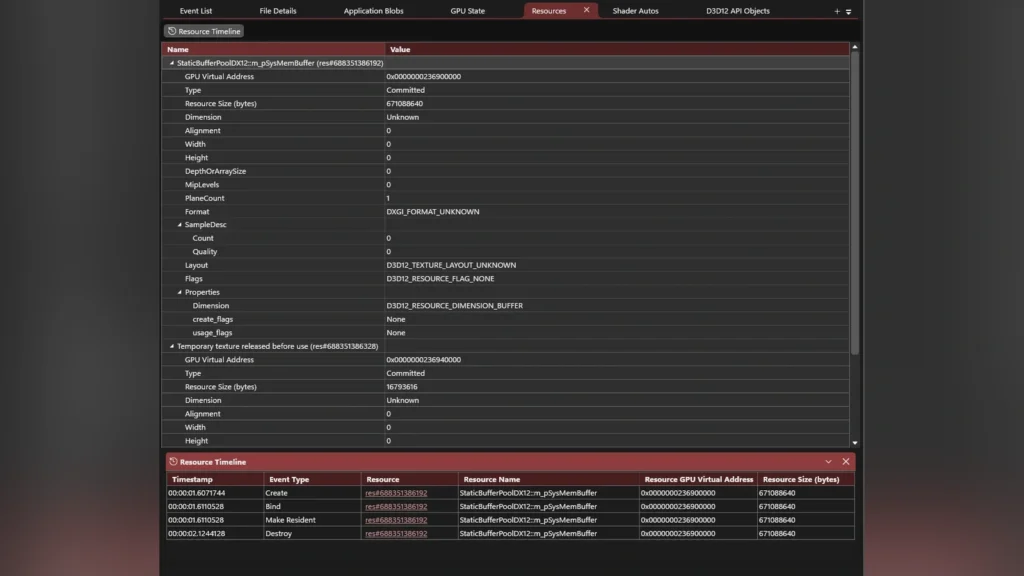
GPU memory allocations and execution queue state at crash time.
The dump file captures driver memory states and execution queue logs.
Developer Mode configuration settings in Windows 11.
Using the DirectX Dump Files preview requires Developer Mode to be active.
Developer console showing a DirectX GPU crash dump file being generated.
A crash dump file (.dxdmp) is generated automatically when a GPU crash occurs.

Also read: Microsoft Emergency Windows 11 Update Fixes Failed March Patch

Prime Day is coming — don't miss the biggest deals

Get ready for exclusive Prime Day savings.

Ages 18–24 can get a 6-month Prime trial for $0.

Claim Your 6-month Prime Trial →

DirectX Dump Files work across graphics hardware from AMD, Intel, NVIDIA, and Qualcomm, though the amount of data saved depends on driver integration. AMD currently supports the feature in preview drivers for Radeon RX 7000 and Radeon RX 9000 series cards. Intel, NVIDIA, and Qualcomm support is currently limited to private developer channels.
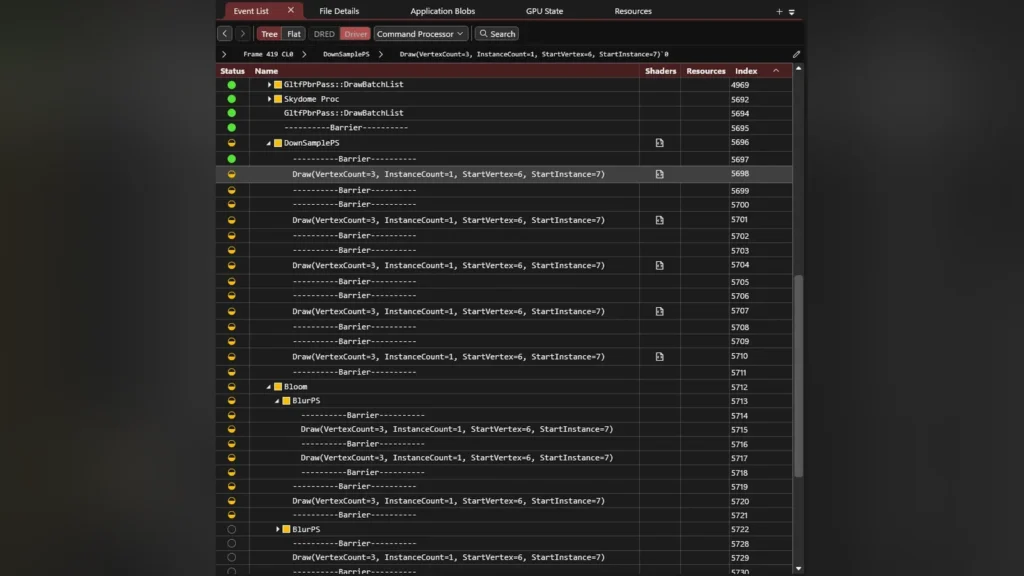
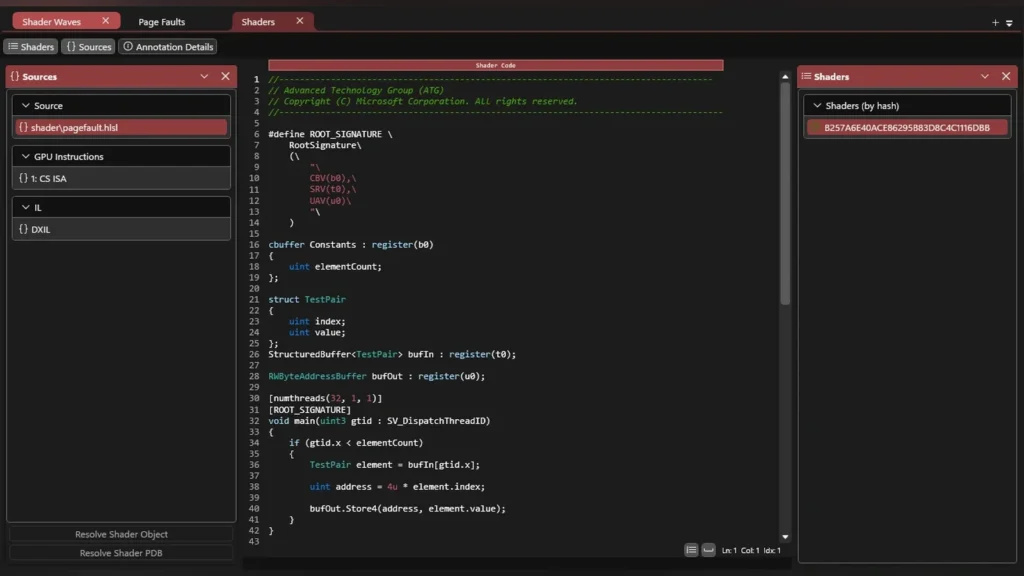
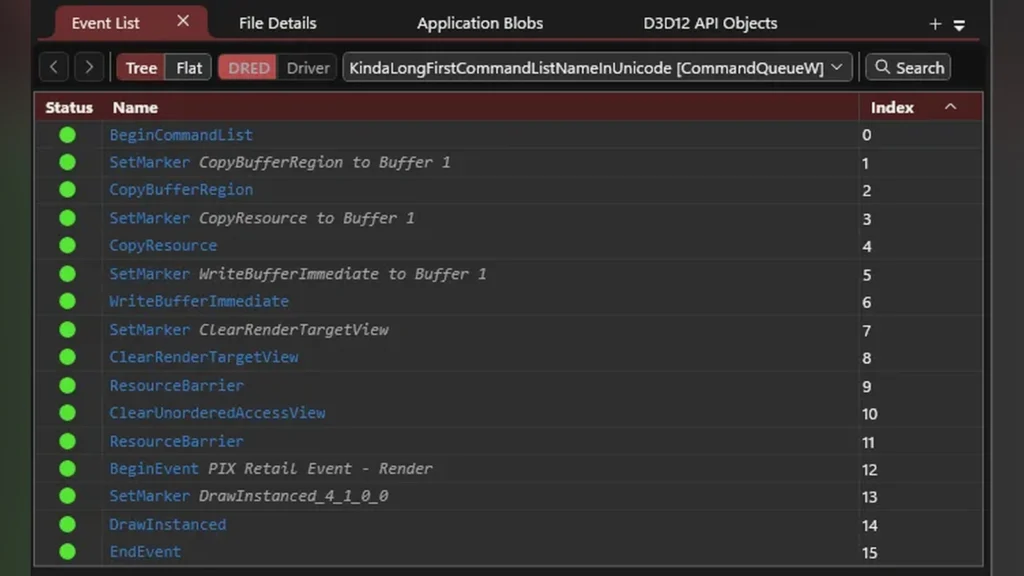
Direct3D runtime context and pipeline state details in PIX.
PIX allows detailed inspection of the D3D12 pipeline at the crash moment.
Comparing GPU crash states across different hardware vendors.
The dump file format is designed to work across AMD, Intel, NVIDIA, and Qualcomm hardware.
AMD Radeon developer driver settings for Agility SDK.
AMD supports the preview in its Radeon Developer Preview driver.
Direct3D 12 Agility SDK version configuration in Visual Studio.
Setting up the Agility SDK in the project configuration files.

Using the Agility SDK to test these dump files currently requires enabling Developer Mode on Windows. The update highlights Microsoft’s continuous push to improve developer profiling, following debugging enhancements introduced in the Windows 11 24H2 update. Microsoft expects to roll out broad hardware and retail game support in the fall of 2026.

Source: Microsoft

Related Articles

This site uses Akismet to reduce spam. Learn how your comment data is processed.

Latest Articles