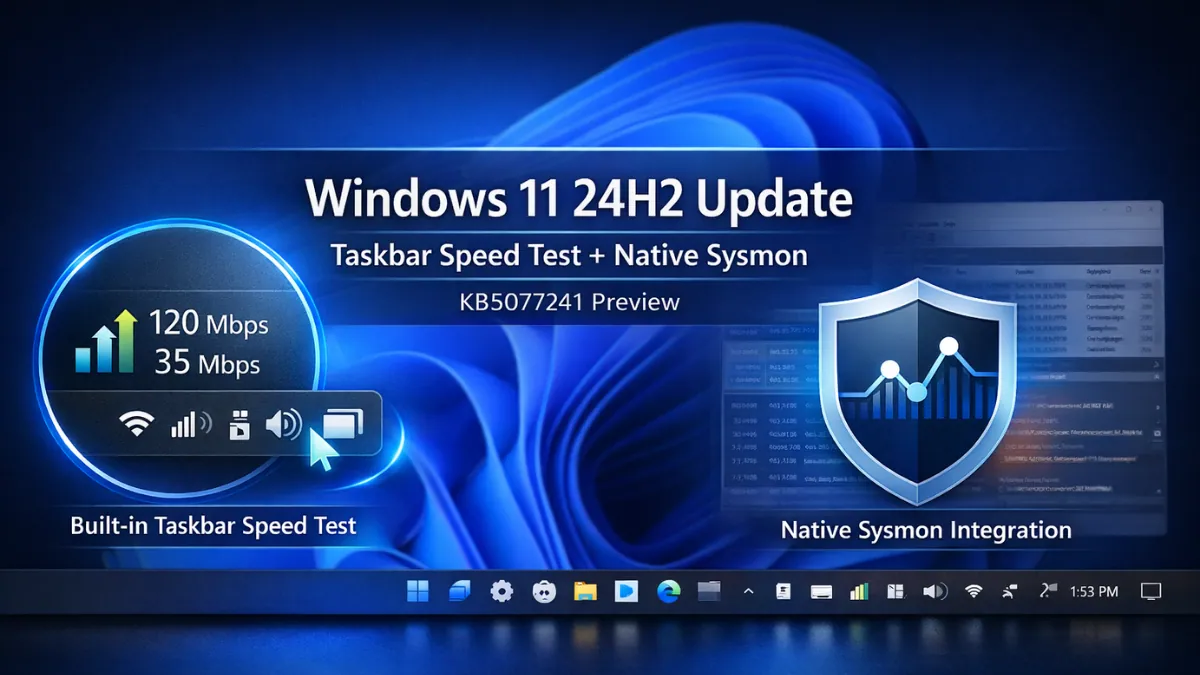
Microsoft has released Windows 11 preview builds 26100.7918 and 26200.7918 (KB5077241) to the Release Preview Channel for versions 24H2 and 25H2, introducing a built-in taskbar speed test, native Sysmon support, and several system improvements focused on diagnostics and security.
The update is rolling out in both gradual and normal phases, meaning availability may vary depending on device configuration and rollout grouping.
The most visible addition in KB5077241 is a built-in network speed test integrated directly into the Windows 11 taskbar. Users can open Wi-Fi or Cellular Quick Settings, right-click the network icon in the system tray, and launch the speed test from there.
When triggered, the tool opens in the default web browser and measures Ethernet, Wi-Fi, and Cellular performance. Unlike a fully native diagnostic utility, the feature redirects users to Microsoft’s web-based speed testing interface powered through Bing search infrastructure. The test runs inside the browser rather than a dedicated Windows UI component.
For hybrid workers moving between home, office, and public networks, this makes checking internet speed faster and reduces the need for third-party websites.
More strategically significant is the addition of native Sysmon functionality. Sysmon (System Monitor), long used by security professionals for advanced event logging and threat detection, is now included as an optional Windows feature.
The feature is disabled by default and must be manually enabled. Once active, it logs events to Windows Event Viewer, supports custom configuration files, and integrates with enterprise SIEM and security platforms.
Previously, Sysmon required a separate download and deployment. Its native inclusion reduces setup effort and fits Microsoft’s plan to combine more security tools directly into Windows. For enterprise IT teams, this means fewer separate tools and easier setup.
The update also introduces Microsoft Entra ID group and role SID resolution, enabling Windows 11 to translate cloud-only identity SIDs into readable names within file permissions, local group memberships, and access control scenarios. This removes dependency on hybrid or on-prem Active Directory environments for identity resolution and improves support for cloud-based accounts in business environments.
Quick Machine Recovery (QMR) is now automatically enabled on certain Windows 11 Professional devices that are not domain-joined and not enterprise-managed. Previously more associated with consumer editions, the expansion narrows the gap between consumer recovery convenience and enterprise-grade resilience tooling. Organizations retain policy-level control, but the broader default enablement signals Microsoft’s push toward baseline recovery capabilities across device categories.
Beyond diagnostics and identity improvements, KB5077241 introduces layered performance refinements. Resume-from-sleep reliability improves on heavily loaded systems, temporary file scanning is faster, Windows Update settings respond more quickly, and Storage Settings dialogs are modernized.
High-volume printing sees smoother spooler optimizations, login and lock screen reliability are improved, Nearby Sharing performs better for large file transfers, and systems resume more reliably when docked with the lid closed.
File Explorer now includes an “Extract All” option in the command bar for non-ZIP archive folders, reducing dependence on third-party extraction utilities.
Additional updates include Emoji 16.0 support, .webp desktop background support, camera pan and tilt controls in Settings, a full-page Widgets configuration experience, and an updated Task Manager search icon.
Instead of major visual changes, this update focuses on improving security, system monitoring, and troubleshooting tools.
Build 26100.7918 corresponds to version 24H2, while build 26200.7918 corresponds to version 25H2. The update package is KB5077241 and is currently available through the Release Preview Channel. As with other phased deployments, rollout expands gradually based on telemetry and stability validation.
Version 25H2 builds are also rolling out with additional user-facing features. We explored those hands-on in our Windows 11 25H2 update review.
Feature Summary
| Taskbar Speed Test | Launchable from system tray; opens default browser to test Ethernet, Wi-Fi, and Cellular speeds |
| Native Sysmon | An optional built-in system monitoring tool for advanced event logging |
| Entra ID SID Resolution | Enables readable cloud-only group identity translation |
| Quick Machine Recovery | Auto-enabled for certain Windows Pro non-domain devices |
| File Explorer Update | “Extract All” option for non-ZIP archives |
| Performance Improvements | Resume reliability, faster temp scanning, improved Windows Update responsiveness |
| UI Enhancements | Emoji 16.0, .webp wallpapers, full-page Widgets settings, camera controls |
Overall, this update focuses more on system tools and security improvements than visual changes. It strengthens built-in monitoring, recovery features, and cloud account support.
For enterprises, that means reduced deployment complexity and fewer standalone utilities. For consumers, it simplifies everyday troubleshooting. For Microsoft, it represents steady improvements built directly into Windows.
Also Read: Best Free Antivirus for Windows 11
Source: Windows Blog