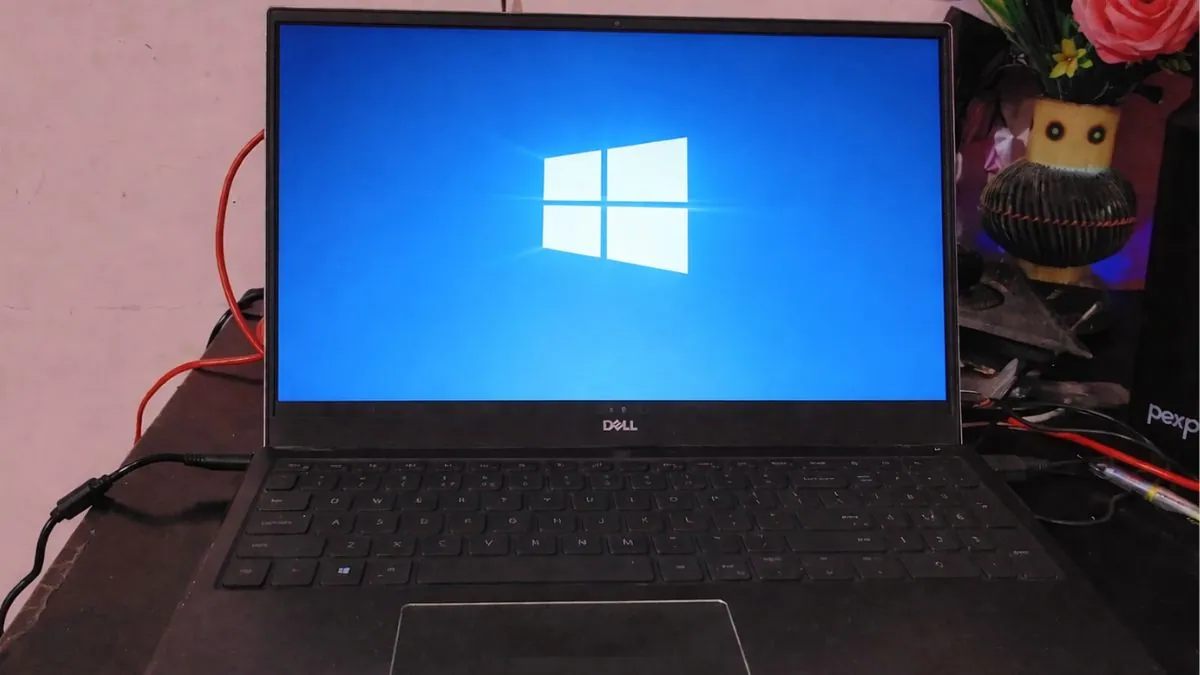
The company has updated its Windows 10 Extended Security Updates (ESU) program for consumers, allowing eligible personal computers to receive critical security updates until October 12, 2027 instead of the previously announced October 2026 deadline. The change appears in Microsoft’s updated support documentation and an editor’s note added to its Windows Experience Blog, rather than through a separate product announcement.
For millions of people still using Windows 10, the decision removes the immediate pressure to replace a working PC or upgrade to Windows 11 before security coverage ends. It also reflects a practical reality: while Windows 11 adoption continues to grow, a significant number of computers still cannot meet Microsoft’s hardware requirements.
The extension does not restore full Windows 10 support. Microsoft will continue providing only critical security updates through the ESU program. New features, non-security fixes, and regular technical support remain exclusive to Windows 11.
Windows 10 ESU now runs until October 12, 2027
Windows 10 officially reached the end of support on October 14, 2025. Since then, Microsoft has stopped delivering free monthly security updates, feature updates, bug fixes, and standard technical support for the operating system.
To help customers who needed more time, Microsoft introduced the Extended Security Updates program. ESU is designed as a temporary bridge, allowing eligible devices to continue receiving security patches after Windows 10’s official retirement.
When Microsoft first announced the consumer program, coverage was scheduled to end in October 2026.
That timeline has now changed.
Microsoft has updated both its official support pages and its Windows Experience Blog to confirm that personal Windows 10 devices enrolled in ESU will now remain protected until October 12, 2027. Existing participants do not need to enroll again, as their coverage automatically continues under the revised schedule.
Unlike a typical Windows release, Microsoft did not announce the extension during an event or publish a dedicated press release. Instead, the company quietly revised existing documentation, making the change easy to miss for users who were not actively following Windows support updates.
Also Read: Google Offers Free OS Upgrade for Windows 10 PCs That Can’t Run Windows 11
Why Microsoft quietly extended Windows 10 support
The extension comes as Microsoft continues encouraging customers to move to Windows 11, but the transition has been slower than many expected.
One of the biggest obstacles is hardware compatibility.
Windows 11 requires technologies such as TPM 2.0, Secure Boot, and supported processors. While those requirements improve security, they also leave many older Windows 10 computers ineligible for the free upgrade.
For many households, schools, and small businesses, those PCs still perform everyday tasks without issue. Replacing them simply to meet Windows 11’s hardware requirements can be expensive, especially when several devices need to be upgraded at the same time.
Rather than forcing users to choose between buying new hardware or running an unsupported operating system, Microsoft has effectively given them another year to plan that transition while continuing to receive protection against newly discovered security vulnerabilities.
The updated timeline also helps reduce what security professionals often describe as a “security cliff.” Without ESU, millions of Windows 10 devices would have stopped receiving protection after October 2026, increasing the number of vulnerable systems connected to the internet.
The additional year gives users more flexibility without changing Microsoft’s long-term strategy.
Windows 11 remains the company’s primary desktop operating system, and Microsoft continues introducing new AI features, productivity improvements, and security enhancements exclusively on that platform.
What the extension actually changes
The announcement extends security coverage, not Windows 10 itself.
That distinction is important because some users may assume Microsoft has restarted normal support for the operating system.
It has not.
Through the Extended Security Updates program, eligible Windows 10 devices will continue receiving only critical and important security patches that protect against newly discovered threats.
The extension does not include:
- New Windows 10 features
- Performance improvements
- General bug fixes
- Design changes
- Technical support from Microsoft
Windows 10 will continue functioning exactly as it does today. The only difference is that enrolled devices remain protected against new security vulnerabilities for another year.
For users whose computers already support Windows 11, Microsoft’s recommendation has not changed. The company still considers upgrading the best long-term option.
For everyone else, the updated ESU timeline provides additional breathing room while they decide whether to upgrade existing hardware, purchase a new PC, or explore other supported operating systems.
Why this matters for millions of Windows 10 users
Although Windows 11 has steadily expanded its share of the Windows ecosystem, Windows 10 remains one of the world’s most widely used desktop operating systems.
Many users continue relying on it because their current computers meet their daily needs. Others are held back by hardware compatibility requirements, software dependencies, or the cost of replacing otherwise functional machines.
The extra year of security updates gives those users more time without forcing an immediate decision.
It also reduces the risk of people continuing to use an unsupported operating system after security updates stop, something that can expose computers to newly discovered malware, ransomware, and other cyber threats.
For consumers, the announcement offers reassurance that Microsoft is willing to provide additional transition time while continuing its broader push toward Windows 11.
Also Read: Best Windows 11 Laptops
Who qualifies for Windows 10 Extended Security Updates?
Microsoft’s consumer ESU program is available only for eligible personal devices running supported editions of Windows 10.
To enroll, your computer must meet all of the following requirements:
- Be running Windows 10 version 22H2
- Have the latest Windows updates installed
- Use an administrator Microsoft account
- Meet Microsoft’s ESU eligibility requirements
Supported consumer editions include:
| Supported Windows 10 editions |
|---|
| Windows 10 Home |
| Windows 10 Pro |
| Windows 10 Pro Education |
| Windows 10 Pro for Workstations |
Devices running older Windows 10 releases must first update to version 22H2 before they can enroll in the program.
Business-managed PCs follow a separate licensing model and are not covered by the consumer ESU offer.
How to get Windows 10 ESU
Microsoft offers three ways for eligible consumers to enroll in the Extended Security Updates program.
| Enrollment method | Cost |
|---|---|
| Enable Windows Backup with a Microsoft account | Free |
| Redeem Microsoft Rewards | 1,000 points |
| One-time purchase | $30 |
Users who enable Windows Backup and sign in with their Microsoft account can receive ESU without paying the $30 fee. Those who regularly earn Microsoft Rewards points can also redeem 1,000 points instead of making a purchase.
For users who prefer not to use either option, Microsoft continues to offer a one-time $30 enrollment.
Once a device is enrolled, security updates will continue through October 12, 2027.
If you’re already participating in the consumer ESU program, you don’t need to take any action. Microsoft says your coverage automatically extends to the new expiration date.
Consumer ESU vs. Business ESU
Although both programs provide security updates after Windows 10 reached the end of support, Microsoft manages them differently.
The latest announcement applies only to personal Windows 10 devices.
Organizations continue using Microsoft’s commercial Extended Security Updates program, which follows its own licensing rules and pricing.
| Feature | Consumer ESU | Business ESU |
|---|---|---|
| Intended for | Personal PCs | Organizations and enterprises |
| Coverage | Through October 12, 2027 | Up to three years after Windows 10 end of support |
| Cost | Free through Windows Backup or Microsoft Rewards, or a one-time $30 payment | Paid annual subscription |
| Security updates | Yes | Yes |
| New features | No | No |
| Technical support | No | No |
Commercial customers purchase ESU on a per-device basis, with pricing increasing over time to encourage migration to supported Windows versions.
For home users, the newly extended consumer program offers a simpler way to remain protected while planning a future upgrade.
Which Windows 10 devices are not eligible?
Not every Windows 10 PC can join the consumer ESU program.
Microsoft limits the offer to personal devices and excludes computers managed by organizations through enterprise administration tools.
The following devices are not eligible under the consumer program:
- PCs joined to Active Directory domains
- Devices managed through Mobile Device Management (MDM)
- Organization-managed Microsoft Entra devices
Personally owned computers that simply use a Microsoft account remain eligible, provided they meet Microsoft’s enrollment requirements.
If your Windows 10 device is managed by your employer or school, you’ll need to follow your organization’s IT policies instead of the consumer enrollment process.
Windows 10 support timeline
Microsoft’s latest update changes one important date in the Windows 10 lifecycle while leaving the rest of the support schedule unchanged.
| Date | Milestone |
|---|---|
| July 29, 2015 | Windows 10 launches |
| October 14, 2025 | Windows 10 reaches end of support |
| October 2025 | Consumer ESU program begins |
| October 2026 | Original consumer ESU expiration date |
| October 12, 2027 | New consumer ESU expiration date |
The revised timeline gives eligible users an additional year of protection beyond Microsoft’s original plan.
Why Microsoft chose a quiet rollout
One of the more surprising parts of this announcement wasn’t the extension itself. It was how Microsoft revealed it.
Instead of publishing a new blog post or announcing the change during a Windows event, the company updated existing support documentation and added a short editor’s note to an older Windows Experience Blog article.
That approach kept the focus on Microsoft’s long-term goal of moving users to Windows 11 while still giving Windows 10 customers more time to make the transition.
The decision also avoids sending mixed signals.
Microsoft continues investing in Windows 11 with new AI-powered features, security improvements, and productivity tools. Extending ESU doesn’t change that strategy. It simply acknowledges that many people are still using Windows 10 and need additional time before replacing compatible hardware.
For users, the result is straightforward: another year of security updates without changing how Windows 10 works or reversing its end-of-support status.
What happens after October 12, 2027?
Microsoft has not announced any plans to extend the consumer Extended Security Updates program beyond October 12, 2027.
Unless the company changes its policy again, Windows 10 PCs enrolled in the consumer ESU program will stop receiving security patches after that date.
The operating system will continue to function, but newly discovered vulnerabilities will no longer receive official fixes. Over time, that increases the risk of malware infections, ransomware attacks, and other security threats, particularly for computers that remain connected to the internet.
For users who depend on Windows 10 today, the additional year should be viewed as extra time to prepare rather than a permanent solution.
Should you upgrade to Windows 11?
Microsoft continues to recommend Windows 11 as the long-term replacement for Windows 10.
If your PC meets the hardware requirements, upgrading provides several advantages beyond continued support.
Windows 11 receives regular feature updates, security improvements, performance optimizations, and new AI-powered capabilities that are no longer being developed for Windows 10.
The latest releases also include improvements to File Explorer, multitasking, accessibility features, and Microsoft Copilot, along with stronger security protections designed for modern hardware.
If your current computer isn’t compatible with Windows 11, the ESU extension gives you more time to plan your next step.
That could mean replacing an aging PC, upgrading hardware where possible, or evaluating another supported operating system before security coverage ends.
Frequently Asked Questions
Can I still upgrade from Windows 10 to Windows 11 for free?
Yes, if your computer meets Microsoft’s minimum hardware requirements. Most eligible Windows 10 PCs can still upgrade to Windows 11 at no additional cost through Windows Update. If your device isn’t compatible, you’ll need to continue using Windows 10 with ESU or replace the hardware with a supported PC.
Do I need to enroll again if I’m already using Windows 10 ESU?
No. Microsoft says devices already enrolled in the consumer Extended Security Updates program will automatically remain covered until October 12, 2027. No additional registration or payment is required to receive the extended coverage.
What if my PC doesn’t meet Windows 11’s hardware requirements?
If your computer isn’t eligible for Windows 11, you can continue using Windows 10 with the Extended Security Updates program until October 12, 2027, provided your device meets the enrollment requirements. After that, you may need to replace your hardware or move to another supported operating system to continue receiving security updates.
Will Windows 10 stop working after October 12, 2027?
No. Windows 10 will continue to run after the ESU program ends. However, Microsoft is expected to stop providing security updates for enrolled consumer devices after that date unless it announces another extension. Using an unsupported operating system for an extended period can increase exposure to newly discovered security vulnerabilities.
Source: Windows Blog