
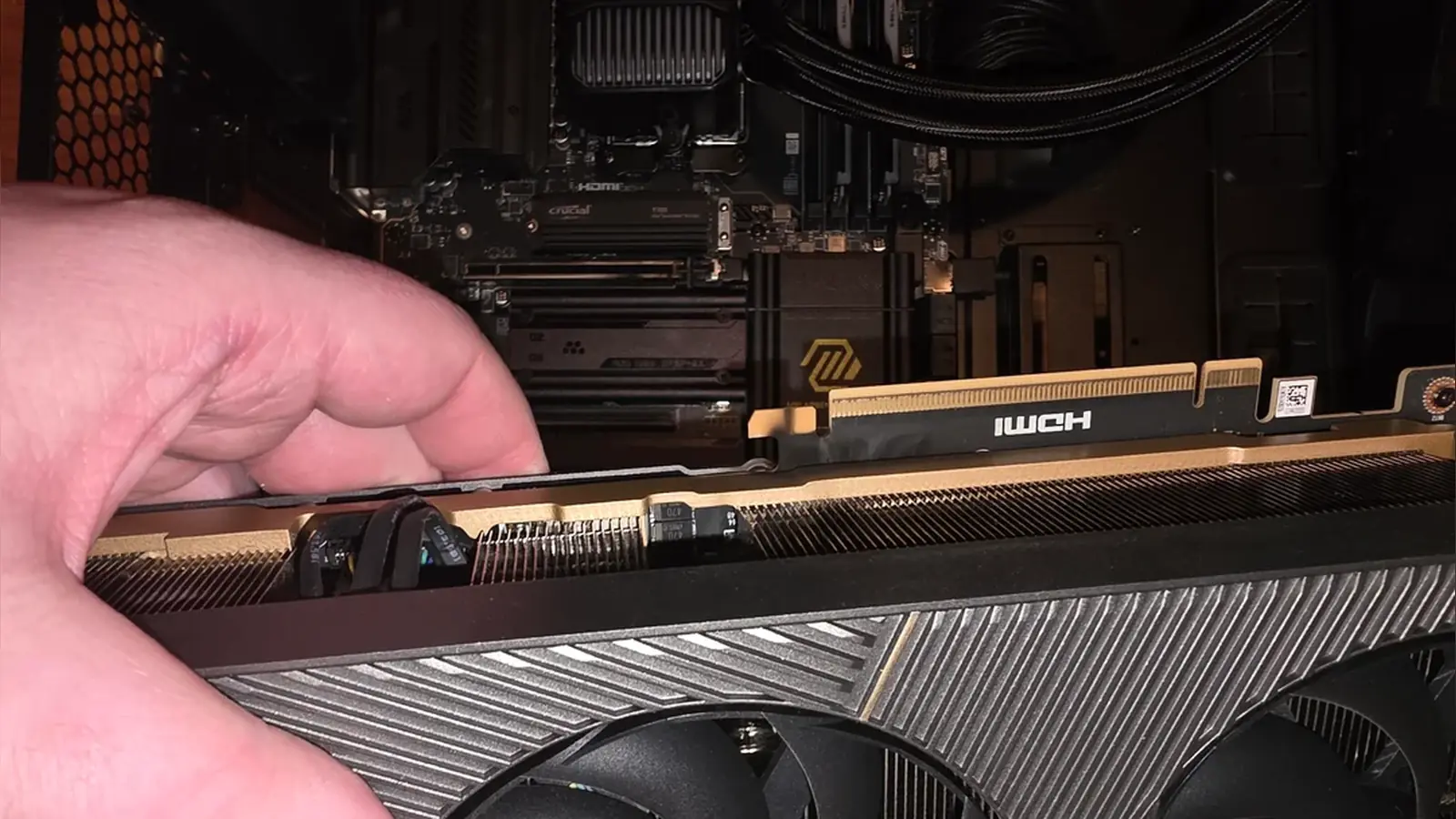
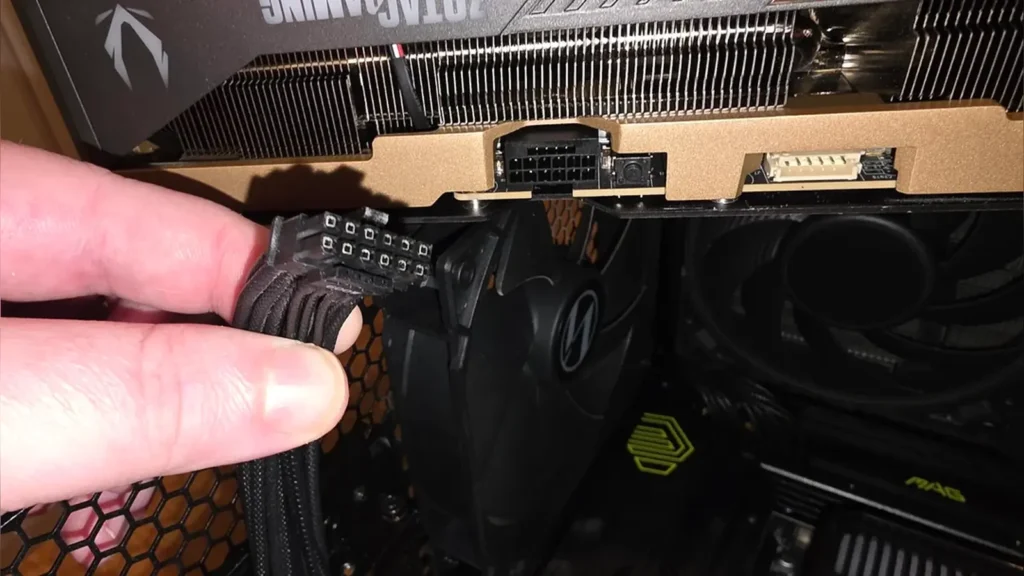
A ZOTAC GeForce RTX 5090 SOLID graphics card has reportedly failed and emitted a large cloud of smoke during a gaming session. The owner reported hearing a loud pop and crackling sounds before the computer immediately shut down. Unlike previous graphics card failures that involved melted 16-pin power adapters, the power connector on this hardware remained undamaged.
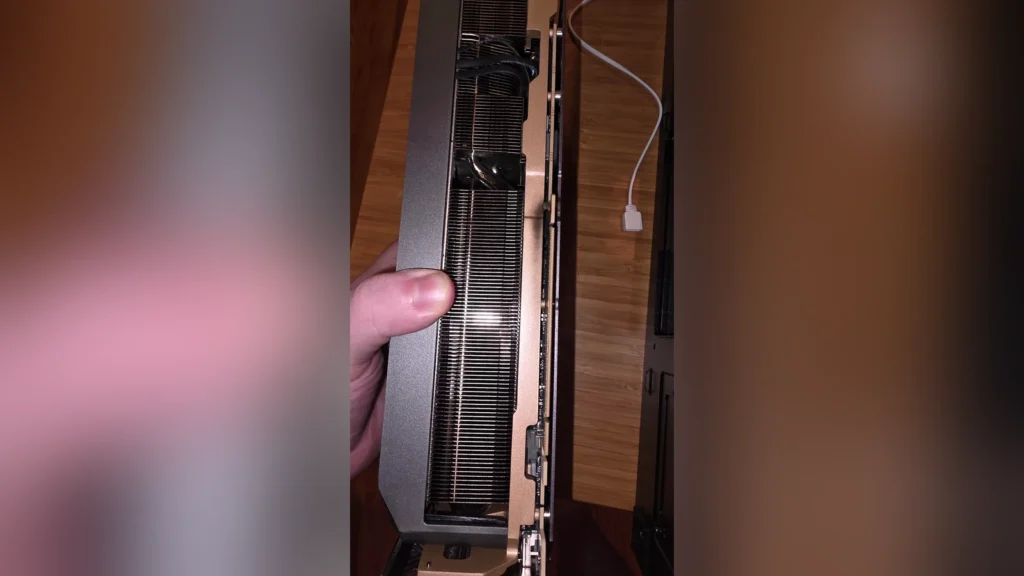
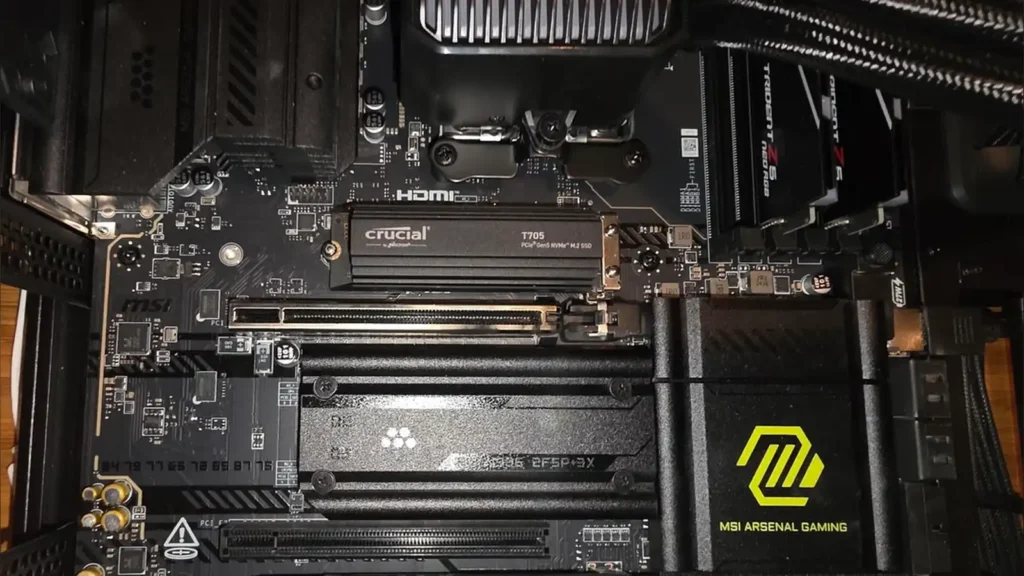
Instead, the physical damage occurred near the card’s PCIe interface connector. The graphics card was installed in an MSI X870E Tomahawk motherboard. Photographs shared by the owner showed dark, burnt residue near the motherboard’s primary PCIe slot and the graphics card contacts.
Also read: Best PC Games
The incident occurred about five minutes after the user started playing Assassin’s Creed Black Flag Resynced. Of course, the owner had recently updated the graphics drivers to version 610.74, which came out on July 7 to support the game. However, hardware trackers note that there is currently no evidence linking the driver update to the hardware failure.
Before the failure, the graphics card had run without issues for about one year (about 12 months). While the exact cause is still unknown, other PC builders suggest the issue could stem from a failed power-delivery component. Another possibility is a crack in the printed circuit board caused by PCB flex, since the graphics card is very heavy.
The owner used an anti-sag bracket inside the case, but the support only made contact with the rear corner of the card. This layout might not have provided enough structural support for the middle of the heavy graphics card. The user also experienced unexplained USB problems on the motherboard before the accident.
Both the motherboard and the graphics card will now go through the standard RMA process for further manufacturer testing and repair. Attentive desktop users should ensure their heavy graphics cards are fully supported along the entire length of the PCB.
Source: Reddit