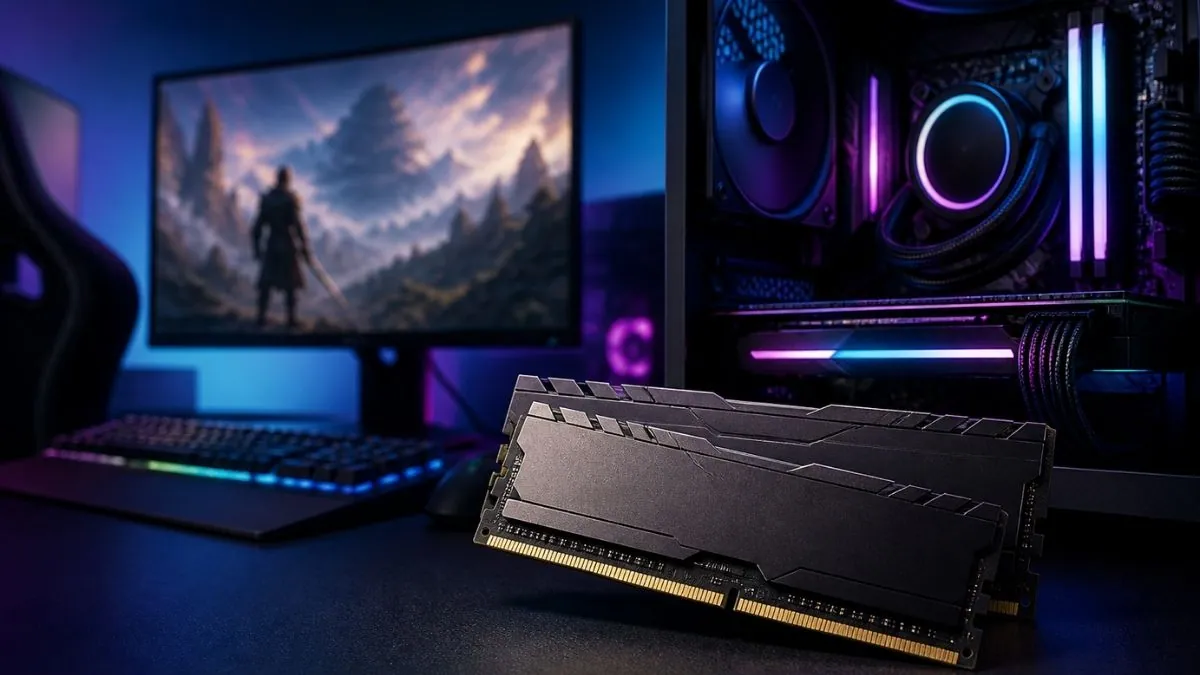
Microsoft has updated its guidance for Windows 11 gaming PCs, and the change shows how modern systems are used today. The company now describes 16GB of RAM as a practical starting point, while 32GB is called a “no worries” setup for users who want smooth gaming along with other tasks.
This update comes from Microsoft’s official Windows gaming guidance. It does not replace the basic system requirements. Windows 11 still works on lower memory, but Microsoft is now focusing on real-world usage where people do more than just play games.
Microsoft explains that 16GB is enough to start with, but 32GB helps when you run apps like Discord, web browsers, or streaming software at the same time as your game. This shows that gaming today is not just about the game itself, but everything running in the background.
A typical gaming system uses memory in many ways at once.
| Component | Typical RAM Usage |
|---|---|
| Windows 11 and background apps | 3GB to 5GB |
| Modern AAA game | 8GB to 14GB |
| Web browser with many tabs | 2GB to 4GB |
| Discord or chat apps | 0.5GB to 1.5GB |
| Streaming or recording tools | 1GB to 3GB |
| Total usage | 14GB to 27GB |
When all of these run together, a 16GB system can reach its limit quickly. Even if a game runs fine on its own, the system may struggle when other apps are open. This can cause small freezes, slow switching between apps, or background apps closing suddenly.
Upgrading to 32GB does not usually increase frame rates in games. Instead, it makes the system more stable. The extra memory gives enough space for the game and other apps to run without competing for resources.
Most popular games still recommend 16GB of RAM. Titles like Cyberpunk 2077, Starfield, and Elden Ring list 16GB as the recommended amount. Some games even run on less. This means 16GB is still usable for many players who only focus on gaming.
However, newer and more demanding games are starting to push higher memory usage. Some recent titles already suggest higher memory for better performance, and a few go much higher for ideal settings. This shows that memory needs are slowly increasing over time.
Another important point is how modern apps are built. Many apps and even parts of Windows now use web-based technology. These apps run multiple processes and use more memory even when they are idle. This quietly increases overall memory usage on the system.
A real gaming setup often includes a game, a launcher like Steam or Epic Games, Discord for voice chat, a browser with several tabs, and sometimes recording software like OBS. When all of these run together, memory usage grows quickly. This is why 32GB helps in real situations.
Microsoft also recommends using SSD storage instead of HDD for Windows and games. This is important because when RAM is full, the system uses storage as extra memory. SSDs handle this much faster than HDDs, which helps reduce slowdowns.
Memory pricing is another factor. RAM prices have been unstable, which makes upgrading harder for some users. At the same time, software and system features continue to use more memory, which pushes users toward higher capacity setups.
Microsoft is also working on improving Windows performance in the future. The company has talked about making the system faster and more efficient, but for now, having more RAM is the easiest way to avoid slowdowns.
Also Read: Best Windows 11 Laptops
Having 32GB of RAM does not usually increase FPS in games in a major way. At the same time, 16GB is not outdated and still works well for many users, especially if they are only playing games without running extra apps. Most games today still recommend around 16GB, so 32GB is not a strict requirement.
However, 32GB is no longer limited to experts or high-end users. It is slowly becoming more common, mainly because people now run many apps at the same time while gaming.
The difference depends on how the system is used. A player who only runs a game may not see much change between 16GB and 32GB. But someone who plays games while using a browser, chat apps, and streaming tools will notice smoother performance with 32GB.
Microsoft’s “no worries” label is about avoiding problems, not increasing raw performance. It means fewer slowdowns, better multitasking, and a more stable experience overall.
As games and software continue to grow, 32GB is becoming a more common choice for mid-range and high-end gaming PCs. At the same time, 16GB remains a usable option, especially for users who keep their setup simple and focused only on gaming.
Sources: Microsoft, Windows Latest